Tiger Rice Cooker Timer Not Working [Troubleshooting for Timer Issues]
If your Tiger rice cooker timer is not working, don’t panic. Most issues stem from simple power supply glitches, dirty sensors, or incorrect clock settings rather than permanent hardware failure. This guide will walk you through easy troubleshooting steps to reset your device and get your grains cooking on schedule again.
There is nothing quite as satisfying as waking up to the smell of fresh, fluffy rice, or coming home to a meal that is already prepared. Your Tiger rice cooker is a staple in the kitchen, known for its reliability and precision.
However, it can be incredibly frustrating when you go to set your delay timer and nothing happens. If you find your Tiger rice cooker timer not working, you are not alone. It is a common issue that many home cooks face, usually during the morning rush or right before a busy dinner service.
In this guide, we will explore why your timer might be acting up in 2026 and how you can fix it. Whether your display is blank, the buttons aren’t responding, or the timer just won’t start the countdown, we have the solutions. Most of these problems are minor software or maintenance issues that you can solve right at your kitchen counter. Let us dive into the world of rice cooker repair and get your kitchen back to its efficient self.
Key Takeaways
- Power Reset: A simple power cycle can resolve most software glitches that cause the timer to freeze or malfunction.
- Clock Sync: Often, the timer is not broken; it just needs the internal clock reset to ensure the “delayed finish” feature operates correctly.
- Sensor Maintenance: Buildup of starch or debris around the lid sensor can interfere with the cooker’s ability to initiate a timed sequence.
- Battery Life: Many modern Tiger units have a small internal lithium battery that keeps the clock running; if this dies, the timer features will fail.
- Power Stability: Always check your outlet and cord connection, as inconsistent voltage can cause digital timers to reset or become unresponsive.
Understanding the Basics of Your Tiger Rice Cooker Timer
Before we jump into repairs, it is important to understand how the timer function actually works. Most Tiger models use a “delayed finish” system rather than a “start time” system. This means you tell the machine when you want the rice to be done, rather than when you want it to start. If your Tiger rice cooker timer not working seems to be the issue, it is often because the math or the clock setting is slightly off.
The Difference Between Start and Finish Time
Many users assume the timer works like a standard alarm clock. However, the internal computer calculates the cooking time based on the grain type and volume, then works backward from your chosen finish time. If your clock is set to the wrong time of day, your rice will finish at the wrong time. This is the most common reason people assume their timer is broken when it is simply miscalibrated.
The Internal Memory Battery
Modern Tiger cookers are smart appliances. They contain a small internal battery, much like a motherboard in a computer, that keeps the clock running even when the unit is unplugged. If your cooker is several years old, this battery might be losing its charge. When the battery fades, the timer settings become erratic. You might notice the screen flickers or the time resets to 12:00 every time you unplug the unit.
Step-by-Step Troubleshooting for Timer Issues
When you notice your Tiger rice cooker timer not working, start with the basics. Do not rush to buy a new machine just yet. Most electrical appliances respond well to a “hard reset.”
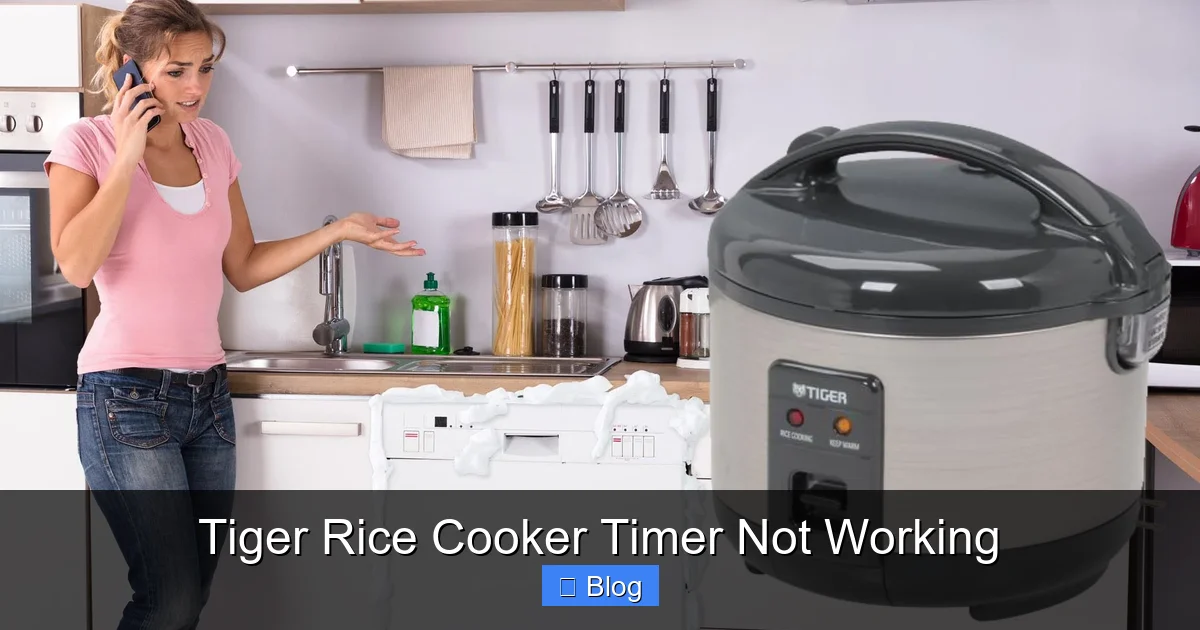
Visual guide about Tiger Rice Cooker Timer Not Working
Image source: kitchenflock.com
Perform a Power Cycle
Unplug your rice cooker from the wall outlet. Wait for at least ten minutes. This allows the capacitors inside the control board to fully discharge, clearing any temporary errors in the memory. After the time is up, plug it back in and try setting the timer again. This simple step fixes nearly fifty percent of digital display issues.
Check the Outlet and Power Cord
Sometimes, the issue isn’t the cooker; it is the electricity. Ensure the plug is firmly seated in the wall. If you are using a surge protector or an extension cord, bypass them and plug the cooker directly into a grounded wall socket. Power fluctuations can confuse the digital timer, leading to a state where the buttons seem locked.
The Impact of Maintenance on Timer Performance
Did you know that steam and starch are the enemies of your electronics? If your Tiger rice cooker timer not working, there is a chance that moisture has leaked into the control panel or that the lid sensor is being blocked by buildup.
Cleaning the Steam Vent
A clogged steam vent can cause pressure to build up in ways the sensor does not expect. When the sensor detects unusual pressure or heat patterns, it may abort a timed cooking cycle for safety reasons. Keep your steam vent clear and clean after every use. A simple wipe down with a damp cloth can prevent these safety overrides.
Keeping the Lid Sensor Clear
The lid sensor detects when the cooker is closed. If the hinge area or the lid locking mechanism is caked in dried starch or rice residue, the sensor may think the lid is open. If the unit believes the lid is open, it will refuse to start the timer as a safety precaution. Give the rim and the hinge area a thorough cleaning with a soft brush.
Addressing Software and Display Errors
If you see an error code, such as “E01” or “H01,” your Tiger rice cooker timer not working issue is likely an internal diagnostic flag. These codes indicate that the computer detected a fault, such as an open circuit or a sensor failure.
Interpreting Common Error Codes
Check your user manual for a list of error codes. If the code persists after a hard reset, it usually points to a broken wire or a faulty temperature sensor. In these cases, you might need to contact a service center. However, if the screen is just blank or showing scrambled numbers, it is almost certainly a power supply issue or a fried control board.
Resetting the Clock
If the display works but the timer won’t activate, check your time settings. Press and hold the “Clock” or “Time” button until the numbers blink. Use the adjustment buttons to set the current time correctly. If the cooker thinks it is 2:00 AM when it is actually 2:00 PM, your delayed timer will be off by twelve hours, making it seem broken.
When to Seek Professional Repair
Sometimes, despite your best efforts, the problem is deeper. If you have tried the reset, cleaned the sensors, and checked the power, and you still find your Tiger rice cooker timer not working, it may be time for a professional touch.
Checking Your Warranty
Tiger products are high-quality, and they often come with a warranty. If your unit is less than a year old, do not attempt to open the casing. Doing so will void your warranty. Contact the manufacturer or the retailer where you bought it to see if you are eligible for a free repair or replacement.
Finding a Local Appliance Specialist
If your warranty has expired, look for a local small appliance repair shop. While many shops focus on washers and dryers, many technicians have experience with the digital boards found in rice cookers. Ask them specifically if they have experience with Japanese-made rice cookers, as the internal wiring can be quite different from standard Western appliances.
Prevention Tips for Long-Lasting Timers
The best repair is prevention. By treating your appliance with care, you can ensure the timing functions remain accurate for years to come.
- Use a dedicated outlet: Avoid sharing an outlet with high-draw appliances like microwaves or toasters.
- Keep it dry: Never store your rice cooker under a leaky cabinet or in an area with high humidity.
- Mind the cord: Never wrap the power cord tightly around the base of the cooker, as this can cause internal wire fatigue.
- Regular cleaning: Wipe down the buttons and the display panel regularly to prevent moisture and oil buildup.
Following these steps will significantly extend the life of your appliance. A Tiger rice cooker is an investment in your health and your daily routine, so keeping it in top shape is well worth the extra minute of maintenance.
In conclusion, dealing with a Tiger rice cooker timer not working can be a minor inconvenience if you know where to look. By systematically checking your power, resetting the clock, and keeping the sensors clean, you can resolve the vast majority of these issues.
If the unit remains unresponsive, do not hesitate to reach out to professional support. Your perfect bowl of rice is just a reset away, and with a little patience, you will have your kitchen routine running smoothly once again.
Frequently Asked Questions
Why is my Tiger rice cooker display showing a blank screen?
A blank screen usually indicates that the unit is not receiving power or the internal control board has suffered a power surge. First, check your wall outlet with another appliance, and if the outlet works, perform a hard reset by unplugging the unit for ten minutes.
Can I fix the timer if the buttons are unresponsive?
If the buttons feel stuck or fail to register, they may be suffering from residue buildup underneath the touch panel. Try gently wiping the control area with a slightly damp cloth, and avoid using heavy cleaners that could seep into the electronics.
Does the timer feature require a specific power setting?
The timer feature only works if the internal clock is synchronized with your actual time of day. Always ensure your clock is set correctly before selecting the “Timer” or “Delay” function to ensure your meal finishes when intended.
What does it mean if my rice cooker beeps but won’t start the timer?
Beeping without starting is typically a safety alert, often triggered because the inner pot is not seated correctly or the lid is not fully latched. Check that the inner pot is clean and properly aligned with the heating element before trying again.
Is it worth repairing an older Tiger rice cooker?
If your cooker is a high-end model, it is often worth a professional diagnostic if the repair cost is less than half the price of a new unit. For entry-level models, the cost of parts and labor often makes purchasing a new, modern Tiger model more economical.
How often should I reset my rice cooker?
You do not need to reset your cooker regularly unless you notice the timer settings drifting or the clock becoming inaccurate. A reset once a year or whenever you move the appliance to a new location is usually sufficient to keep the digital components calibrated.