How To Clean A Black And Decker 4 Slice Toaster: Easy Guide
The safest way to clean a BLACK+DECKER 4-slice toaster is to unplug it, let it cool fully, remove and empty the crumb tray, shake loose crumbs over a sink or trash can, and wipe the outside with a damp cloth. Never put the toaster in water or pour liquid into the slots.
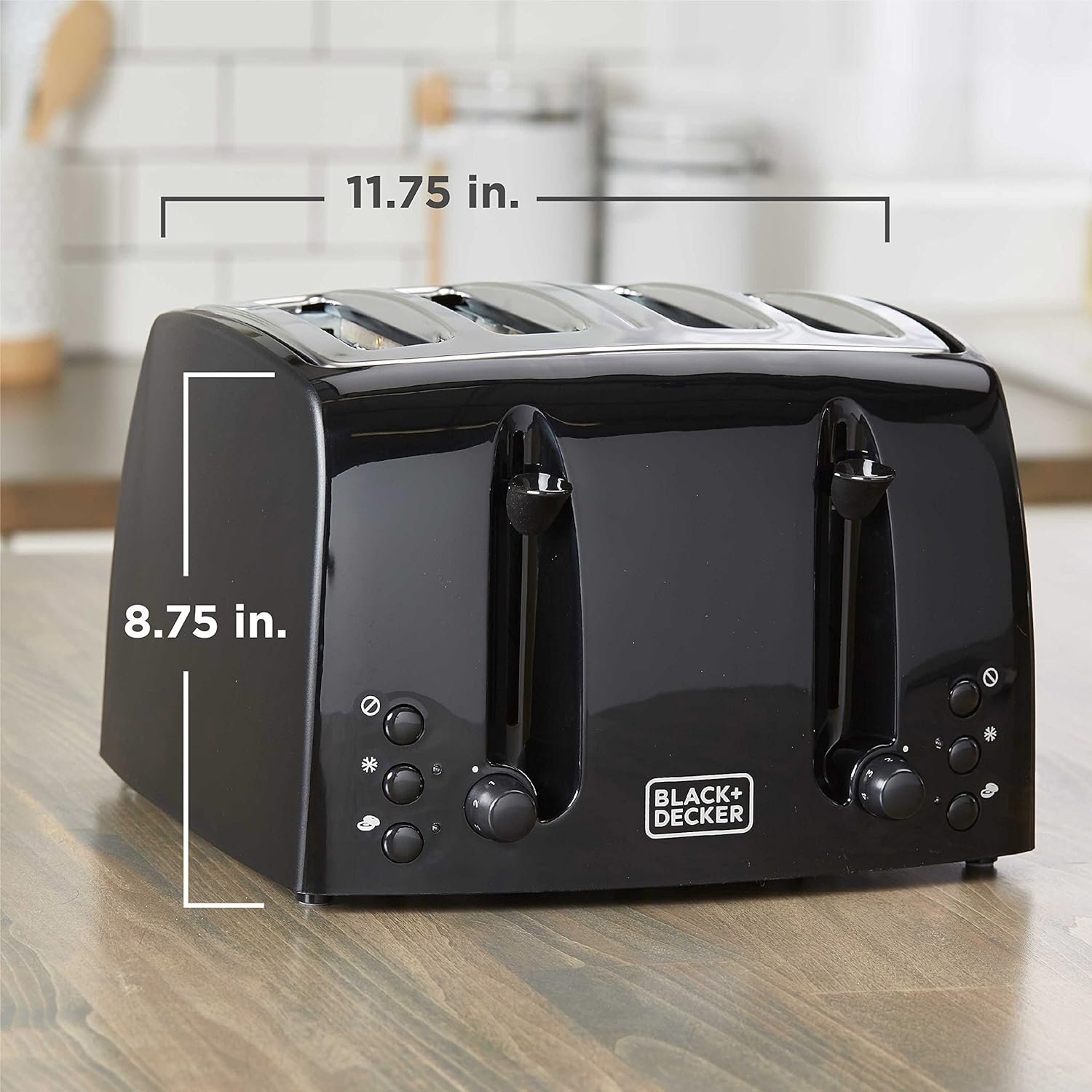
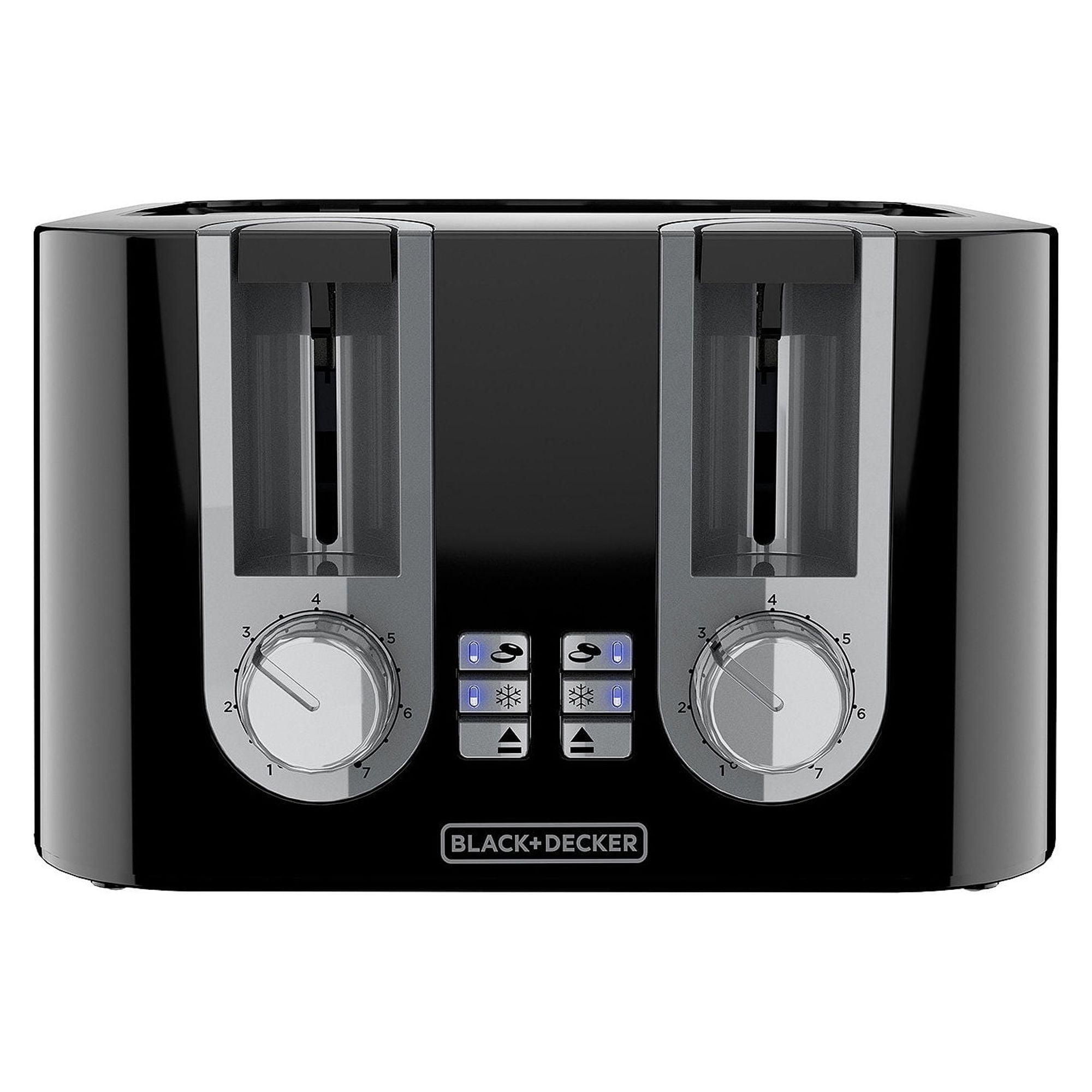
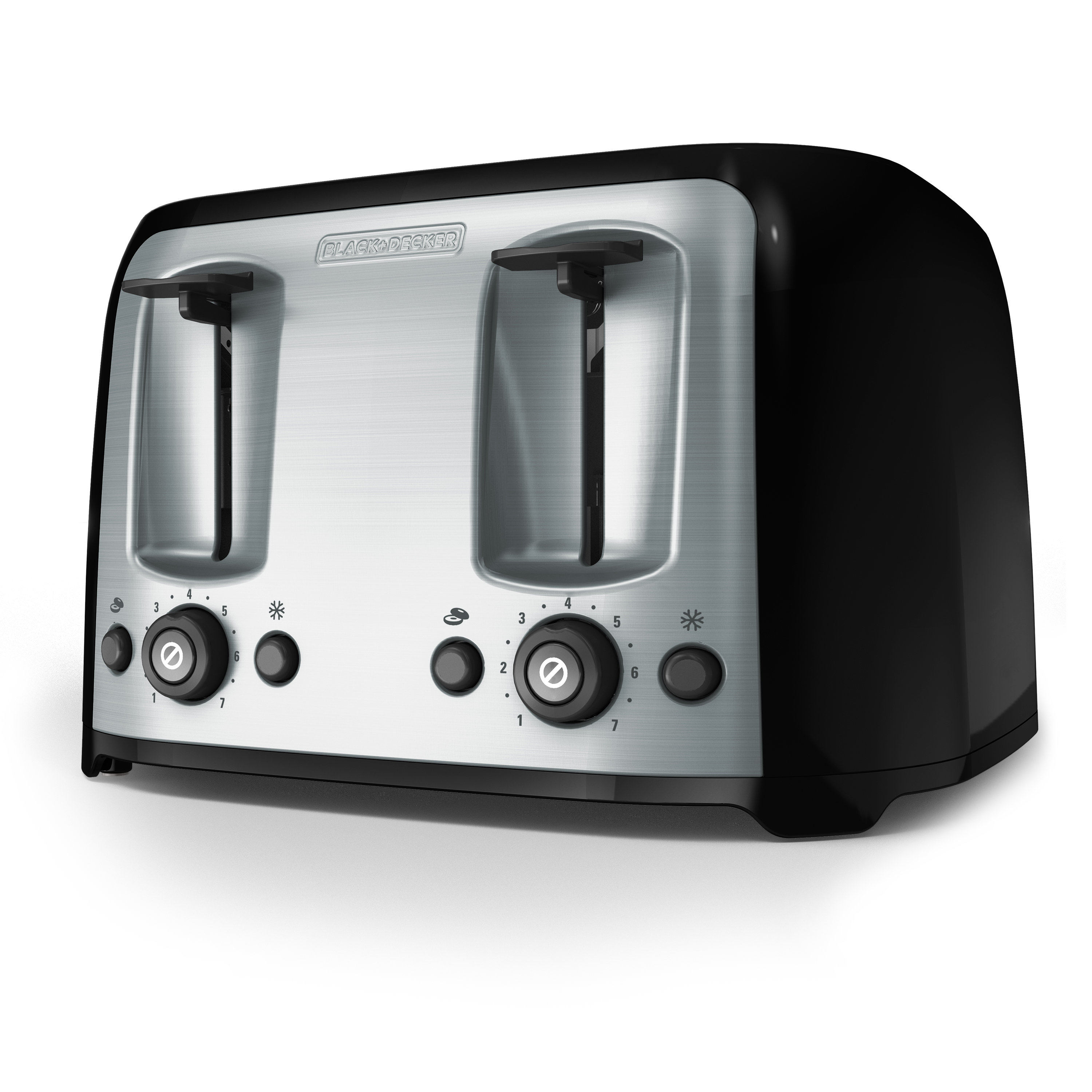
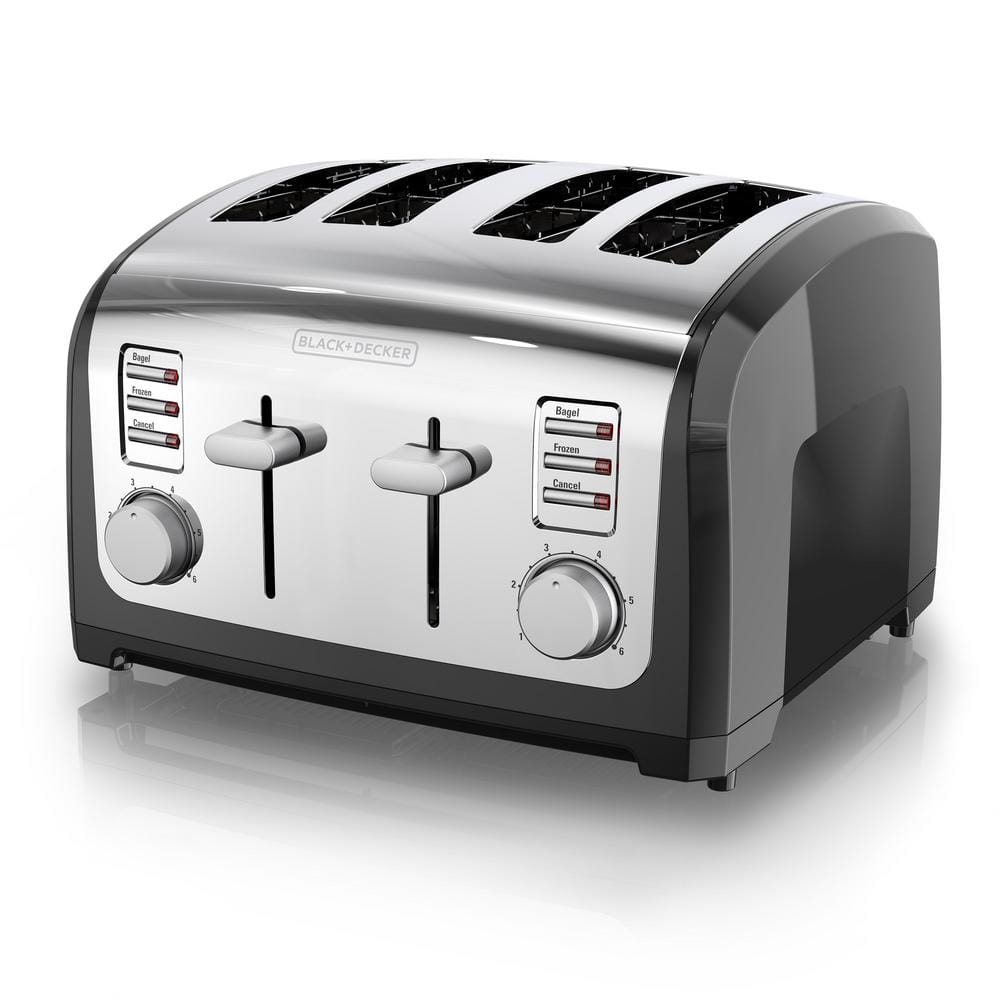
Cleaning removes crumbs that can burn, reduce performance, or create a fire risk. BLACK+DECKER makes several 4-slice toaster models, so tray locations and control layouts may differ. Check the model’s manual before removing any part that does not clearly slide out.

What You Need Before Cleaning the Toaster
Gather a few simple items before you begin:
- A soft, dry cloth
- A slightly damp microfiber cloth
- Mild dish soap
- A soft toothbrush or small cleaning brush
- A sink or trash can
- A dry towel
- A flashlight, if you need to inspect the slots
Do not use steel wool, knives, forks, metal brushes, abrasive powders, or harsh spray cleaners. These tools can scratch the finish, damage the heating elements, or leave residue inside the toaster.
Before cleaning, confirm that the toaster is:
- Unplugged from the wall
- Cool to the touch
- Away from water and food
- Placed on a stable, dry counter
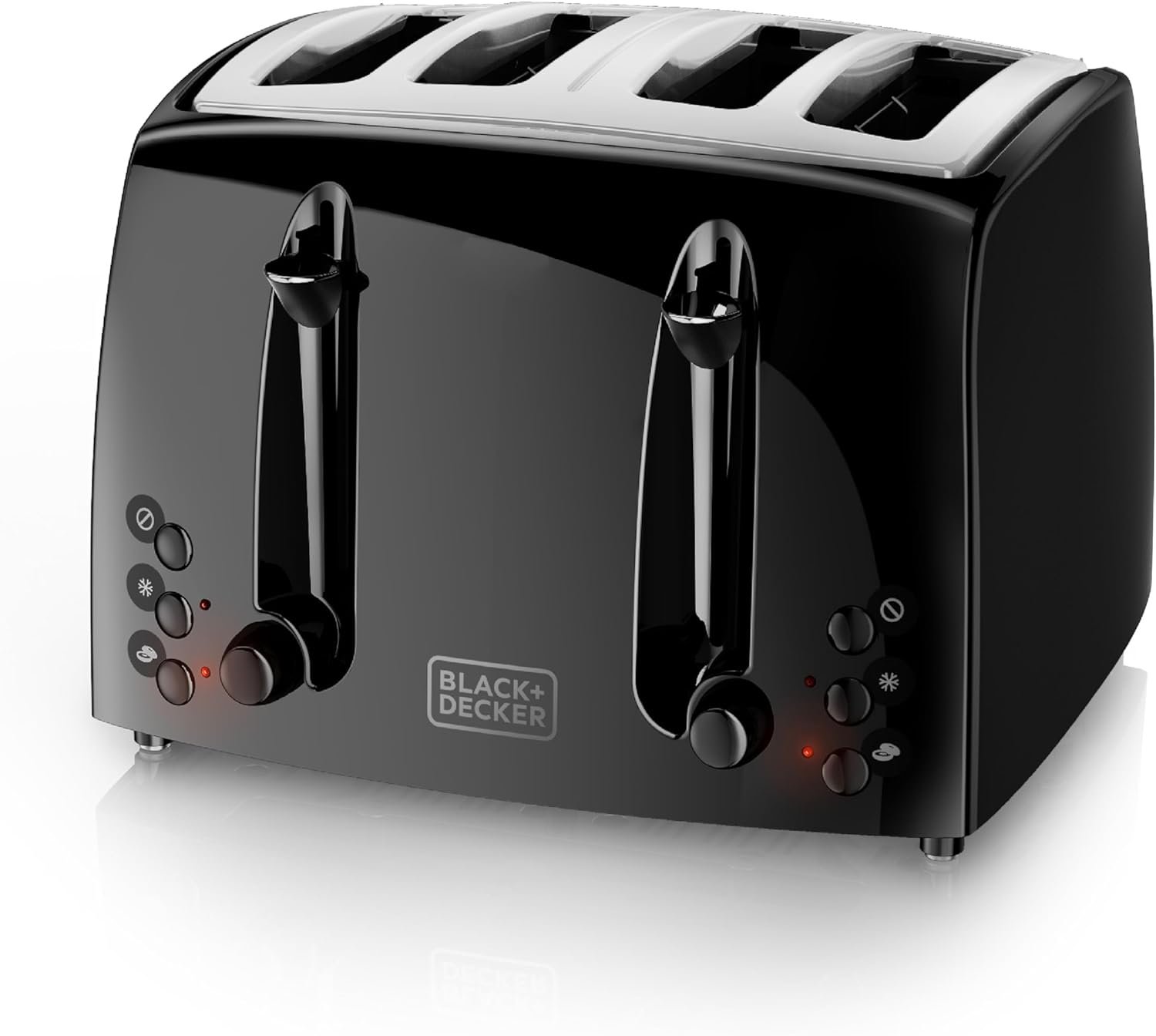
The crumb tray is the main removable part on many BLACK+DECKER 4-slice toasters. Some models have one tray, while others have separate trays for each side. Do not force the tray if it sticks.
How to Clean a BLACK+DECKER 4-Slice Toaster: Step-by-Step
Follow these steps for routine cleaning.
1. Unplug the toaster
Remove the plug from the electrical outlet. Do not rely only on the toaster’s cancel button or control settings.
Hold the plug, not the cord, when disconnecting it. Keep the cord away from the sink while you work.
2. Let the toaster cool completely
Wait until the toaster is cool before cleaning it. The metal body and internal heating parts can stay hot after the toast cycle ends.
Cleaning a warm toaster can burn your hands or cause a damp cloth to dry too quickly and leave moisture near electrical parts.
3. Remove the crumb tray
Find the crumb tray near the bottom of the toaster. It may have a small handle or tab.
Pull it out slowly and keep it level. If the toaster has two trays, remove both. Do not pry the tray with a knife or screwdriver.
4. Empty the tray
Pour the crumbs into a trash can. For a large amount of crumbs, empty the tray over a sink or outside.
Do not rinse the tray while it is still attached to the toaster. If the tray is washable, clean it separately with warm water and a small amount of dish soap.
5. Wash and dry the tray
Wipe the tray with a damp, soapy cloth or wash it by hand if the manual permits. Rinse away soap and dry it fully with a towel.
The tray must be completely dry before you put it back. Water left under the tray can move toward electrical parts or trap crumbs.
6. Remove loose crumbs from the slots
Carry the unplugged toaster to a sink, trash can, or outdoor area. Turn it upside down and gently shake it.
Use small movements. Do not hit the toaster against a counter. A hard impact can damage the controls, springs, or internal parts.
For crumbs that remain near the top, use a soft, dry brush. Work around the slots without touching or bending the heating wires.
7. Wipe the outside
Dampen a microfiber cloth with water. Add a small amount of mild dish soap if grease or fingerprints remain.
Wipe the top, sides, front, lever handles, buttons, and control area. Keep the cloth damp, not wet. Do not spray cleaner directly onto the toaster.
8. Wipe away soap
Use a second cloth dampened with clean water to remove soap. Then dry the toaster with a soft towel.
Pay close attention to the control panel. Moisture should not collect around buttons, slots, the lever, or the cord connection.
9. Replace the dry crumb tray
Slide the tray back into place only when it is clean and fully dry. It should sit flat and move smoothly.
If the tray does not fit, remove it and check for crumbs or a misaligned edge. Never operate the toaster with a loose tray.
10. Let the toaster air-dry
Allow the toaster to stand unplugged for a while after wiping it. This gives any small amount of moisture near seams time to evaporate.
When the toaster is dry, plug it in and run one short cycle without bread if you notice a damp smell. Stop using it if you see smoke, sparks, or unusual heat.
How to Deep-Clean the Inside of the Toaster
A deep clean means removing hidden crumbs without opening the toaster. Do not remove the casing unless you are a trained appliance technician and the model’s service instructions allow it.
Use this method:
- Unplug the toaster and let it cool.
- Remove the crumb tray.
- Turn the toaster upside down over a sink, trash can, or paper sheet.
- Shake it gently from side to side.
- Brush loose crumbs from the slot openings with a dry, soft brush.
- Inspect the slots with a flashlight.
- Clean the crumb tray separately.
- Dry and replace the tray.
Do not use a vacuum nozzle directly inside the slots. Suction or contact with the nozzle may damage delicate internal parts. Avoid compressed air as well, because it can drive crumbs deeper into the toaster.
Never insert a butter knife, fork, wooden utensil, or other object into a slot to remove stuck food. The object can touch an energized part if the toaster is accidentally connected, and it may damage the heating elements even when the toaster is unplugged.
If bread is stuck, unplug the toaster first and wait for it to cool. Gently turn it upside down and shake it. If the bread does not come free, stop and seek service rather than forcing it.
How to Remove Grease, Burn Marks, and Stains
Most outside stains can be removed with a damp cloth and mild dish soap. Use only enough moisture to lift the stain.
For dried food or grease:
- Unplug and cool the toaster.
- Place a warm, damp cloth over the stain for a few minutes.
- Wipe gently.
- Use a small amount of mild dish soap if needed.
- Wipe again with a clean damp cloth.
- Dry the surface.
Do not use oven cleaner, bleach, ammonia, glass cleaner, or abrasive scrubbers. These products may damage painted, plastic, stainless-steel, or coated surfaces.
Some dark marks near the slots may be permanent heat discoloration. Do not scrape them aggressively. A cosmetic mark is less serious than damage to the toaster’s finish or controls.
If crumbs have burned inside the toaster, a brief empty cycle may remove a mild toasted smell after the toaster is clean and dry. Do not keep using it if the smell continues, smoke appears, or the smell resembles melting plastic or wiring.

Signs That the Toaster Is Clean
A properly cleaned toaster should meet these conditions:
- The crumb tray is empty and dry.
- No loose crumbs fall out when the toaster is gently tilted.
- The slots are free of visible food.
- The outside has no wet spots.
- The controls move normally.
- The cord and plug show no damage.
- The toaster produces no smoke or unusual electrical smell during use.
Cleaning does not repair a damaged toaster. Replace or service the appliance if the cord is frayed, the plug is cracked, the casing is broken, or the toaster sparks.
A small amount of steam from wet bread is different from smoke. Smoke, a burning-plastic odor, repeated sparking, or a toaster that stays unusually hot after use requires immediate attention. Unplug the appliance if it is safe to do so, and do not use it again until it has been inspected or replaced.

Common Cleaning Mistakes to Avoid
Do not put the toaster in water
A toaster contains electrical parts. Immersing it can cause electric shock, fire, or permanent damage.
Do not clean it while it is plugged in
The lever may be raised, but the toaster can still contain live electrical connections. Unplug it before removing crumbs or wiping near the slots.
Do not spray cleaner into the slots
Liquid can reach the heating elements and electrical contacts. Spray cleaner onto a cloth only, and use that cloth on the outside surfaces.
Do not use metal tools
Metal can scratch the toaster and damage the heating wires. It can also create a path for electricity if the appliance is connected.
Do not force the crumb tray
A stuck tray may contain baked-on crumbs or may be misaligned. Pulling hard can bend the tray or its guide.
Do not operate the toaster without the crumb tray
If the manual says the tray should remain installed, keep it in place during use. A missing tray can allow crumbs to collect under the appliance.
Do not open the casing for routine cleaning
Opening the toaster can expose you to sharp edges and electrical hazards. It may also affect warranty coverage. Routine cleaning should not require disassembly.
How Often Should You Clean a 4-Slice Toaster?
Empty the crumb tray at least once a week if you use the toaster often. Clean it sooner if you toast bread with seeds, crumbs, butter, sugar, or toppings.
Use this simple schedule:
| Use level | Suggested cleaning |
|---|---|
| Occasional use | Empty crumbs every few weeks |
| Daily use | Empty the tray weekly |
| Heavy household use | Check the tray every few days |
| After a spill | Unplug, cool, and clean it at once |
| After smoke or a burning smell | Stop use and inspect the toaster |
These are practical maintenance intervals, not a replacement for the instructions for your exact BLACK+DECKER model. A toaster used by several people may need more frequent cleaning than one used by a single person.
Keep the toaster on a clean, dry surface. Do not place it beside a stove where grease can collect on the housing. Also keep paper towels, curtains, and other items away from the slots during use.

What to Do If Cleaning Does Not Fix the Problem
Cleaning may not solve a mechanical or electrical fault. Use the symptom to guide the next step.
| Symptom | Possible cause | Safe next action |
|---|---|---|
| Crumbs keep falling out | Hidden crumbs or a full tray | Unplug, cool, empty, and gently shake again |
| Toast smells burnt | Crumbs, food residue, or a setting that is too high | Clean the tray and run a short empty cycle only if there is no smoke |
| One side does not heat | Control or heating-element fault | Stop use and contact BLACK+DECKER support |
| Lever will not stay down | Power, control, or internal mechanism issue | Check the outlet once, then stop if the fault remains |
| Smoke appears | Burning crumbs, food, or electrical fault | Unplug if safe; do not continue using the toaster |
| Sparks appear | Electrical or metal-contact problem | Stop use and arrange service or replacement |
| Toaster feels wet | Excess moisture from cleaning | Unplug and let it dry fully; do not test it while wet |
Do not repeatedly plug in a toaster that trips a circuit breaker. That may indicate a fault in the appliance or the electrical circuit. A qualified technician or electrician should assess the problem.
For model-specific help, locate the model number on the toaster or its original paperwork. Use the BLACK+DECKER support site to find the correct manual and service information. Instructions can vary between models sold in the United States.
Frequently Asked Questions
Can I wash the crumb tray in the dishwasher?
Do not assume that the tray is dishwasher-safe. Check the manual for your exact BLACK+DECKER model. If the manual does not approve dishwasher cleaning, wash the tray by hand with mild soap, rinse it, and dry it fully.
Can I use vinegar to clean a BLACK+DECKER toaster?
Vinegar is not needed for routine toaster cleaning. Use a damp cloth and mild dish soap on the outside instead. Never pour vinegar or any other liquid into the slots or toaster body.
How do I clean crumbs from deep inside the toaster?
Unplug the toaster, remove the crumb tray, turn the toaster upside down, and shake it gently. Use a soft, dry brush at the openings. Do not use knives, forks, water, compressed air, or tools that can touch the heating elements.
Why does my toaster smell after cleaning?
A mild smell may come from crumbs that warm during the next cycle or from moisture that has not fully dried. Unplug the toaster and let it dry. If the smell is strong, smells like melting plastic, or comes with smoke or sparks, stop using the toaster.
Can I clean the toaster with the crumb tray removed?
Follow the manual for your exact model. In general, remove the tray only while the toaster is unplugged and cool. Replace it before normal use if the manufacturer designed it to stay installed during operation.
Should I clean a toaster that has been dropped?
Inspect the plug, cord, casing, levers, and slots. If the body is cracked, controls are loose, or internal parts rattle, do not plug it in. A damaged appliance should be evaluated by qualified service personnel or replaced.
Conclusion
To clean a BLACK+DECKER 4-slice toaster, unplug it, let it cool, empty and wash the crumb tray, gently shake out loose crumbs, brush the slots with a dry soft brush, and wipe the outside with a damp cloth. Keep all liquid, metal tools, and spray cleaners away from the inside.
The most useful habit is simple: check the crumb tray often and clean it before crumbs build up. If the toaster smokes, sparks, smells like burning plastic, or shows cord damage, stop cleaning and stop using it until the problem is professionally assessed or the appliance is replaced.