How To Open A Toaster: Safe Step-By-Step Guide
To open a household toaster in the United States, first unplug it, let it cool, remove the crumb tray, and take out the case screws. Then lift the cover only as far as needed. Do not open or test a toaster while it is connected to a U.S. wall outlet.
Most pop-up toasters contain exposed heating wires, spring parts, sharp metal edges, and live electrical parts. A careful inspection may help you remove a jam or clean crumbs. A repair can be unsafe if you lack electrical experience or the toaster has damaged wiring.
This guide covers standard two-slice and four-slice pop-up toasters. It does not replace the service manual for a specific model. A toaster oven uses a different design and needs a separate repair method.

Before You Open the Toaster
Prepare a clear work area and confirm that the toaster is safe to handle. You will usually need a screwdriver, a small bowl for screws, a soft brush, and a flashlight.
Tools and supplies
Gather:
- A Phillips screwdriver
- A flat-head screwdriver or plastic pry tool
- A security-bit set, if the screws have a center pin
- A small container for screws
- A soft, dry brush
- A clean cloth
- A phone or camera for photos
- Work gloves for sharp metal edges
- The toaster’s user or service manual, if available
Do not use water, spray cleaner, or compressed air near the toaster’s electrical parts. Loose crumbs can enter switches and contacts. A soft brush is safer for light cleaning.
Safety checks
Complete these checks before removing any screw:
- Unplug the toaster from the wall.
- Let it cool fully. Heating elements can stay hot after use.
- Move it to a dry, well-lit surface.
- Remove bread, food, and the crumb tray.
- Check the cord and plug for damage.
- Stop if you smell burnt plastic, see melted parts, or find blackened wires.
In the United States, a toaster normally connects to household power through a 120-volt outlet. Unplugging it removes the main source of power, but some parts may still be sharp, hot, or damaged.
Do not rely on the lever being up. Do not rely on a power button being off. The plug must be out of the outlet.
When you should not open it
Do not open the toaster if:
- The power cord is cut, crushed, or frayed.
- The plug is loose, melted, or scorched.
- The case shows signs of fire or heavy heat damage.
- The toaster has been wet or submerged.
- You are not sure whether it is unplugged.
- You plan to test it while the cover is removed.
- The toaster is under warranty and opening it may void coverage.
For a low-cost toaster with major electrical damage, replacement is often safer than repair. For a costly appliance, contact the manufacturer or a qualified appliance repair professional.
How to Open a Pop-Up Toaster
The usual method is to remove the bottom or side screws, release hidden clips, and lift the outer shell. The exact order changes by brand and model.
1. Photograph the toaster
Take photos of the toaster from all sides. Photograph the lever, knobs, buttons, screws, and crumb tray.
These photos help you put the case and controls back in the correct position. Small parts can look similar but fit only one way.
2. Remove the crumb tray
Pull out the crumb tray and set it aside. Wash it only if the manual allows it. Dry it fully before putting it back.
Look for screws under the tray. Some toaster designs hide one or more case screws in this area. Other models use the tray as part of the bottom cover.
3. Find every case screw
Inspect the bottom, sides, rear, and underside of the toaster. Look for screws near:
- The rubber feet
- The crumb-tray opening
- The cord entry
- The lever slot
- The side panels
- The bottom cover
Some screws may sit under labels, rubber feet, or plastic caps. Do not pry off a label unless you accept possible cosmetic or warranty damage.
Use the correct screwdriver bit. A poor fit can strip the screw head and make the toaster harder to open.
4. Check for security screws
Some manufacturers use security screws to discourage home disassembly. These may have:
- A star-shaped head
- A hexagonal head
- A center pin
- An unusual three-wing or triangle shape
A security-bit set may remove them. Do not force a standard screwdriver into the head. That can damage the screw and the tool.
5. Remove the screws in order
Place each screw in a tray or small cup. If the screws differ in length, arrange them on a sheet of paper in the same pattern as the toaster.
You can also label them:
- Bottom front
- Bottom rear
- Left side
- Right side
- Crumb tray area
This simple step prevents a long screw from being placed into a shallow hole. A screw that is too long can damage internal parts.
6. Release the outer case
After removing the visible screws, gently test the case. Look for clips or tabs that still hold it in place.
Start at a seam near the bottom. Use a plastic pry tool if needed. Work around the edge a little at a time.
Do not twist the shell hard. Do not insert a metal blade deep into the case. Internal wires and control parts may sit close to the seam.
If the case will not move, stop and look for another screw. A hidden screw is more likely than a case that needs force.
7. Lift the cover slowly
Lift the shell only a small amount. Check for wires connected to buttons, lights, or electronic controls.
Some covers may come off fully. Others remain attached by a wire or control assembly. Never pull the cover away from the base while a wire still connects the two parts.
If you must disconnect a wire, take a close photo first. Grip the connector, not the wire. Do not pull on the wire itself.
8. Inspect without touching live parts
With the toaster unplugged, inspect:
- Broken or loose wires
- Burn marks
- Melted plastic
- Bent metal guides
- Loose springs
- Crumbs near the switch
- Damaged heating elements
- A stuck carriage or lever
Do not touch the heating wires more than needed. They are thin and can break easily.
Do not bend a heating element back into place. Do not bridge, bypass, or remove a safety switch. These parts control heat and power.
What You Can Safely Check Inside
An unplugged toaster allows a visual check and limited cleaning. It does not make every repair safe.
Crumbs and debris
Turn the toaster upside down over a trash can only if the manual permits it. Shake it gently. Do not strike the toaster against a counter.
Use a soft brush to loosen dry crumbs. Keep the brush away from thin heating wires and fragile contacts.
A blocked crumb area can affect the lever, cause smoke, or leave food near a heat source. Cleaning may help if the toaster has no electrical damage.
A stuck lever
A lever that will not stay down may have several causes:
- The toaster is not receiving power.
- The electromagnet is dirty or faulty.
- The control board has failed.
- The lever linkage is bent.
- Crumbs block the moving parts.
First test the outlet with another safe appliance. Then inspect the cord and plug. If the outlet works and the toaster still will not latch, do not bypass the latch. The repair may involve electrical controls.
Uneven browning
Uneven toast can result from:
- A broken heating wire
- A bent bread guide
- A dirty contact
- A failed control circuit
- Bread placed off-center
- A toaster design that heats each side differently
Look for a visibly broken heating wire. Do not assume that a wire that looks intact works correctly. Electrical testing requires proper tools and training.
Smoke or a burnt smell
A small amount of smoke can come from old crumbs or food residue. Smoke that continues, a sharp electrical smell, sparks, or melted plastic indicates a fault.
Unplug the toaster if it is safe to do so. Let it cool. Do not use it again until the cause is known.
Never keep using a toaster that trips a circuit breaker, sparks, or heats the cord or plug.

How to Clean and Reassemble the Toaster
Reassemble the toaster only after all parts are dry, intact, and in their original positions.
Clean the removable parts
Brush crumbs from the crumb tray and the inside of the case. Use a dry cloth on the outer shell.
If you wash the crumb tray, dry it completely. Water inside the toaster can create a shock or fire risk.
Do not spray cleaner into the slots. Do not immerse the toaster. Do not use a wet cloth near switches, wiring, or circuit boards.
Reconnect wires correctly
If you disconnected a connector, match it to the photo you took earlier. A connector that seems to fit may still belong in a different location.
Check that:
- Wires do not touch heating elements.
- Wires are not pinched by the case.
- Connectors are fully seated.
- Insulation is not cut or melted.
- Springs and levers move freely.
If a wire has damaged insulation, stop. Do not wrap it with household tape and return the toaster to service.
Close the case
Lower the cover slowly. Align the slots, buttons, lever, and crumb-tray opening.
Press the shell together by hand. If it does not sit flush, find the cause. Do not use screws to pull a misaligned case into place.
Replace the screws in their original locations. Tighten them until secure, but do not overtighten plastic parts.
Test it safely
After reassembly:
- Keep the toaster on a clear, dry, nonflammable surface.
- Make sure the crumb tray is installed.
- Keep hands away from the slots.
- Plug it into the wall without an extension cord if possible.
- Watch and listen during the first cycle.
- Unplug it at once if you see sparks, smell burning, or notice unusual heat.
Do not leave the toaster unattended. Do not test it with the case open. Do not place metal tools, knives, forks, or other objects into the slots.
Common Problems When Opening a Toaster
Most problems come from hidden screws, clips, or parts that remain connected.
| Problem | Likely cause | Safe response |
|---|---|---|
| The case will not separate | Hidden screw or retaining clip | Inspect the bottom and sides again |
| A screw will not turn | Wrong bit, rust, or stripped head | Use the correct bit; stop if the head begins to strip |
| The cover lifts but will not come off | Wire or control linkage remains connected | Lift slowly and inspect before pulling |
| The lever falls out | Linkage or spring released | Use photos and the manual before replacing it |
| The toaster smells burnt | Crumbs, damaged wire, or melted plastic | Stop using it until the cause is identified |
| The toaster trips the breaker | Short circuit or damaged component | Unplug it and seek qualified repair |
| The heating wire is broken | Failed heating element | Do not bridge or repair the wire casually |
| The case is damaged | Heat or impact damage | Replace the toaster or use professional service |
If a screw head strips, do not keep turning it with more force. A damaged screw can make later service difficult. A repair professional may have safer tools for screw extraction.
If a spring or small linkage falls out, do not guess its position. Find the model diagram or service manual. A wrongly placed spring can affect the safety latch.
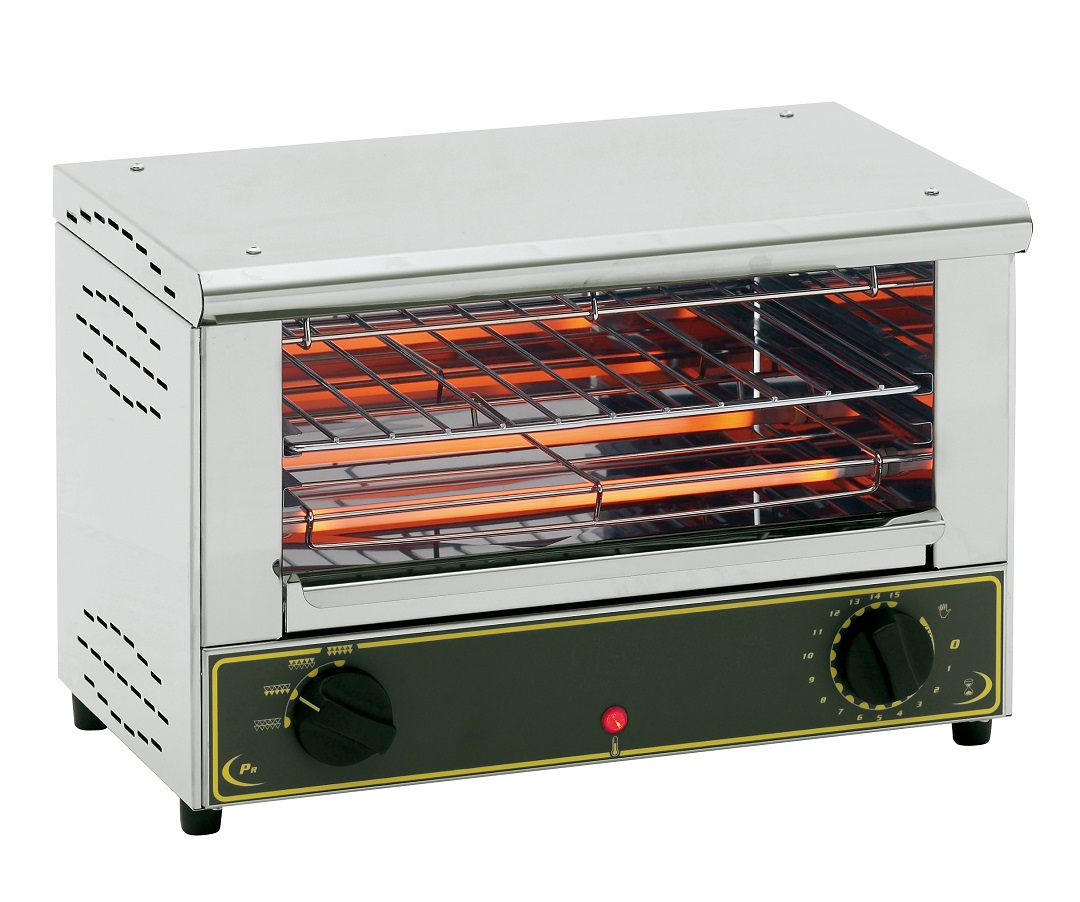
Toaster Safety Limits
Opening a toaster is not the same as repairing one. Visual inspection and dry cleaning are low-risk tasks compared with electrical diagnosis.
Avoid these actions:
- Operating the toaster with the case removed
- Measuring live voltage without proper training
- Bypassing a fuse, switch, or thermal protector
- Joining damaged wires with tape
- Replacing a safety part with an unknown part
- Pouring water into the slots
- Using a knife or fork to remove stuck bread
- Returning a toaster to use after fire or water damage
The U.S. Consumer Product Safety Commission provides recall and product safety information. Check its recall database if the toaster has shown unusual overheating or if you suspect a model-specific problem.
The National Fire Protection Association also advises keeping portable cooking appliances clear of combustible materials and using them according to the manufacturer’s instructions.
Use the owner’s manual for model-specific instructions. A manual may state whether the case can be removed, which parts are serviceable, and whether the manufacturer allows repair.
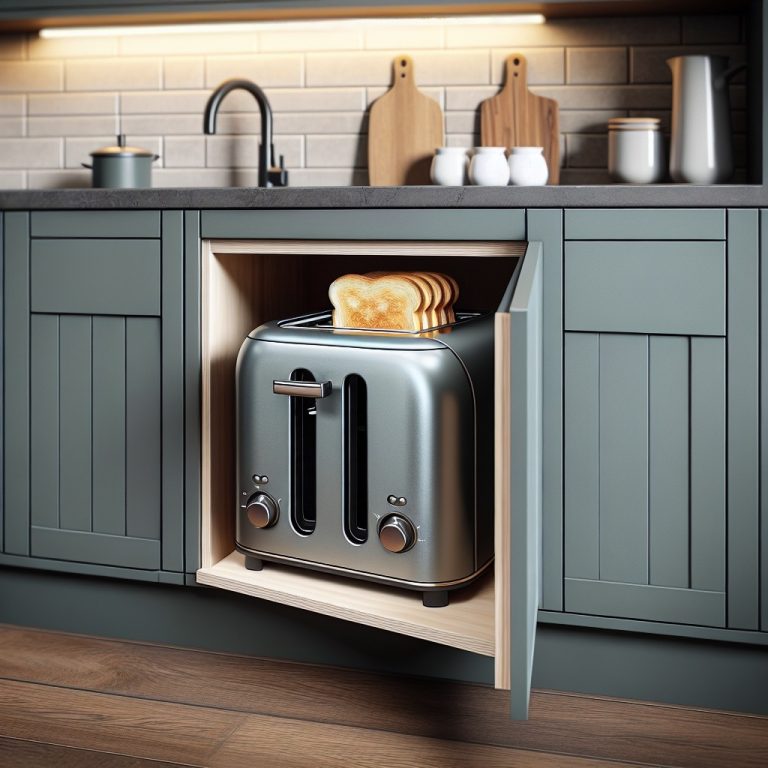
Should You Repair or Replace the Toaster?
Replace the toaster when the damage involves the power cord, plug, heating system, control board, or melted case. A replacement is also sensible when parts are unavailable or the repair cost approaches the price of a new toaster.
A repair may make sense when the problem is limited to crumbs, a loose external part, or a removable tray. Even then, the toaster must pass a careful inspection before use.
Use this simple decision guide:
- Dry crumbs only: Clean and inspect.
- Loose case screw: Tighten after checking alignment.
- Broken cord or plug: Do not use; replace or obtain professional repair.
- Burn marks or melted plastic: Replace or seek qualified service.
- Broken heating element: Usually replace the appliance.
- Unknown electrical fault: Stop and ask a qualified repair professional.
A toaster is a low-cost appliance, but it uses high heat and household voltage. Saving money is not a good reason to restore a damaged safety system.
Key Takeaways
- Unplug the toaster and let it cool before opening it.
- Remove the crumb tray and look for screws under the tray, feet, and base.
- Use the correct screwdriver or security bit.
- Lift the cover slowly because wires and controls may remain attached.
- Do not test the toaster with the case open.
- Never bypass a fuse, switch, thermal protector, or safety feature.
- Replace a toaster with a damaged cord, plug, melted case, or burned wiring.
Frequently Asked Questions
Can I open a toaster without removing the screws?
Usually not. Some crumb trays and bottom panels are removable without tools, but the main case normally uses screws, clips, or both. Check the manual before prying the shell apart.
How do I remove stuck bread from a toaster?
Unplug the toaster and let it cool. Turn it upside down and shake it gently over a trash can. Use wooden tongs only if needed and only after confirming that no metal object can contact the heating parts. Never use a knife, fork, or other metal tool.
Is it safe to wash a toaster?
No. Do not wash or immerse the toaster. Clean the removable crumb tray as directed by the manual, and use a dry brush or cloth for the toaster body.
Why will my toaster not stay down?
The toaster may have no power, a dirty or failed electromagnet, a blocked mechanism, or a faulty control part. Check the outlet and plug first. If the outlet works, do not bypass the latch or keep using the toaster without finding the fault.
Can I repair a broken heating element?
A broken heating element is not a simple wire repair. The element has a specific resistance, heat rating, and position. Do not bridge it or attach an unknown wire. Replacement of the toaster or service by a qualified technician is safer.
What should I do if my toaster sparks?
Unplug it if you can do so without touching a damaged plug or exposed wire. Keep it away from water and combustible materials. Do not use it again until a qualified person determines the cause, or replace it.
Sources and Further Reading
For model-specific instructions and safety information, use:
- U.S. Consumer Product Safety Commission recalls
- National Fire Protection Association cooking safety guidance
- The toaster manufacturer’s official owner’s manual and service information
- The toaster’s product label, model number, and manufacturing details
Conclusion
Opening a toaster is possible for a careful visual inspection or dry cleaning, but it is not a risk-free home repair. Unplug the appliance, remove the case slowly, document each part, and stop when you find damaged wiring, heat damage, or an unknown electrical fault. When safety parts or live electrical components are involved, replacement or qualified service is the safer choice.