How To Reset A Breville Smart Toaster: Quick Fix Guide
If your Breville Smart Toaster is frozen, unresponsive, or showing an odd countdown, the safest reset is a power reset: cancel the cycle, unplug the toaster, let it cool, wait at least 30 seconds, and plug it directly into a working U.S. wall outlet. Breville Smart Toaster models generally do not have a separate factory-reset button.
This guide applies to common U.S. models such as the Breville Smart Toaster BTA820XL and BTA840XL. Button names and display behavior may vary by model, so check the rating label on the underside and the manual for your exact toaster.

What a reset does—and what it does not do
A power reset clears a temporary electronic fault. It may restore the countdown display, cancel a stuck heating cycle, or bring back a lever that does not respond.
A reset does not repair a damaged heating element, a broken lever, a blocked carriage, or a toaster that repeatedly trips a circuit breaker. It also does not remove crumbs or fix a mechanical problem.
Most Breville Smart Toaster models do not store user programs that need a traditional “factory reset.” The electronic controls return to normal after power is removed and restored.
How to reset a Breville Smart Toaster
Follow these steps in order. Stop if you see smoke, sparks, melted plastic, or signs of damage.
-
Press the Cancel button.
This stops the current toasting cycle and raises the bread if the carriage is working normally. -
Remove the bread only when it is safe.
Use wooden or plastic tongs if bread is stuck and the toaster is unplugged. Never use a knife, fork, metal spatula, or other metal object inside the slots. -
Unplug the toaster.
Hold the plug, not the cord, and remove it from the wall outlet. Do not reset the toaster while it is still connected to power. -
Let the toaster cool.
If it has just completed a cycle or feels hot, allow it to cool before inspecting it. A hot toaster can burn you and may continue to hold heat in the heating elements. -
Wait at least 30 seconds.
This gives the control electronics time to shut down fully. Waiting several minutes is reasonable if the toaster was unusually hot or unresponsive. -
Empty and replace the crumb tray.
Pull out the tray, dispose of crumbs, and slide it back into place. Do not wash the toaster or pour liquid into it. -
Check the outlet.
Plug a small appliance into the same U.S. outlet to confirm that it works. If the outlet is controlled by a wall switch, turn the switch on. Reset a tripped circuit breaker only if the breaker and outlet appear safe. -
Plug the toaster directly into the wall.
Avoid an extension cord, power strip, or overloaded outlet during testing. The toaster should sit on a dry, stable, heat-resistant surface. -
Run a short test cycle.
Place one slice of bread in an empty slot, select a low browning level, and press the toast lever down. Watch the toaster during the full cycle. -
Test the controls.
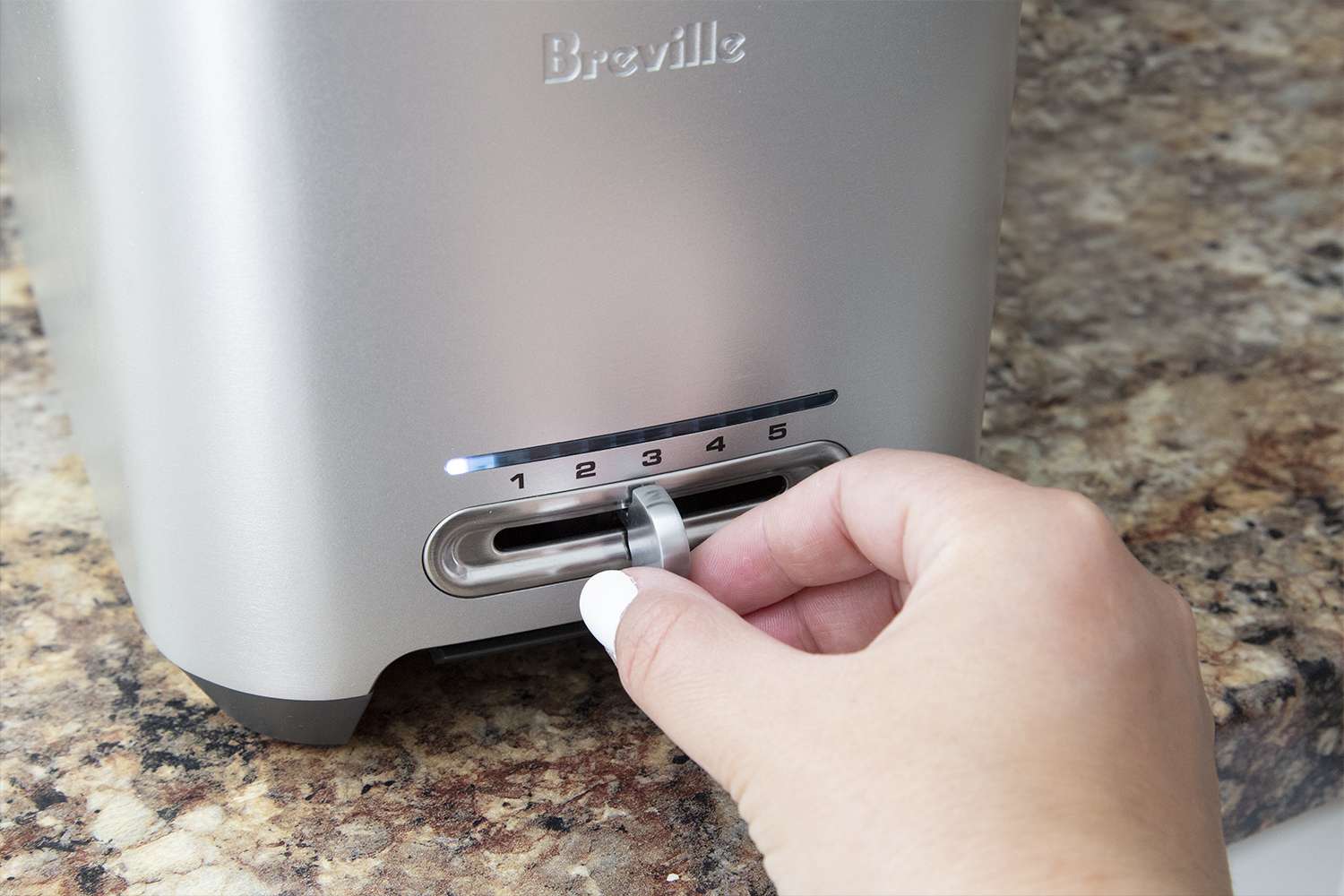
Try the browning dial, Cancel, and—if your model has them—Lift & Look and A Bit More. The display should count down normally, and the bread should rise at the end.

Signs that the reset worked
The reset was successful when:
- The display turns on normally.
- The carriage moves down and stays down during a cycle.
- The countdown begins and decreases.
- The heating elements glow briefly during operation.
- The bread rises without help at the end.
- The Cancel button stops the cycle.
- No burning smell, sparks, smoke, or unusual noise occurs.
A single failed cycle does not always mean the toaster is broken. Bread crumbs, an unstable outlet, or an overheated toaster can cause temporary problems. Test the unit once after it has cooled, but do not keep repeating cycles if it behaves abnormally.
Troubleshooting after the reset
A reset helps with temporary control faults. It cannot solve every symptom. Use the table below to match the problem with the safest next check.
| Symptom | Possible cause | What to do |
|---|---|---|
| No display or response | Dead outlet, tripped breaker, damaged cord, or internal fault | Test the outlet, inspect the cord, and stop using the toaster if it remains dead |
| Lever will not stay down | No power, blocked carriage, or internal fault | Unplug it, remove visible crumbs, and do not force the lever |
| Bread stays down | Carriage or control problem | Press Cancel, unplug the toaster, and seek service if it does not release |
| Toast is uneven | Crumbs, different bread thicknesses, or different slot settings | Empty the crumb tray and use similar slices |
| Toaster stops during a cycle | Overheating protection or power interruption | Let it cool fully, then test it once |
| Burning smell | Heavy crumbs, food residue, or damaged electrical parts | Unplug it immediately and inspect only after it cools |
| Circuit breaker trips | Outlet overload, short circuit, or toaster fault | Stop using the toaster and have the circuit or appliance checked |
| Buttons work but heating does not | Heating-element or control failure | Do not open the toaster; contact Breville support |
If the toaster is completely dead
First, test the outlet with another appliance. Then inspect the toaster’s cord and plug for cuts, scorching, bent prongs, or melted areas.
If the outlet works and the Breville toaster remains unresponsive after a power reset, the fault may be internal. Do not remove the case. Toasters contain exposed electrical parts and can retain heat or create a shock risk.
If the lever will not stay down
The lever normally stays down only when the toaster has power and the control system engages the carriage. Unplug the unit and let it cool before checking for loose crumbs around the slots and carriage.
Never hold the lever down by hand or use an object to keep it engaged. If the lever still will not latch after the toaster is connected to a known-good outlet, stop using it.
If bread is stuck inside
Unplug the toaster first. Wait until it is cool, then turn it upside down over a sink or trash can and shake it gently.
Do not insert metal tools. Do not place your hand into the slot. If the bread will not come out without force, contact Breville or a qualified appliance service provider.
If the toaster smells like burning
A faint smell during first use can come from manufacturing residue, but a strong burning odor during normal use is a warning sign. Unplug the toaster and let it cool.
Check the crumb tray and remove loose crumbs. If the smell returns, or if you see smoke, scorching, melting, or sparks, do not use the toaster again.
:max_bytes(150000):strip_icc()/Breville_DieCastSmartToaster_02-76f52a8f4a194de792fd8c8f10c130fc.jpg "Signs that the reset worked")
How to clean a Breville Smart Toaster safely
Cleaning often prevents the problem that users mistake for an electronic fault.
- Unplug the toaster and let it cool completely.
- Pull out the crumb tray.
- Empty the tray over a trash can.
- Wipe the tray with a damp cloth if the manual permits it.
- Dry the tray fully before replacing it.
- Shake the unplugged toaster gently over a sink or trash can to release loose crumbs.
- Wipe the outside with a soft, slightly damp cloth.
- Keep water away from the slots, controls, plug, and cord.
Do not immerse the toaster. Do not spray cleaner into the slots. Do not use abrasive pads on the finish.
Regular cleaning is especially useful when toast smells burnt, the carriage feels rough, or crumbs prevent the mechanism from moving freely. Cleaning cannot correct a failed circuit, heating element, display, or switch.
When not to reset or keep using the toaster
Unplug the toaster instead of continuing to troubleshoot if you notice:
- Smoke or flames
- Sparks
- A melted plug or cord
- A cracked housing
- Exposed wires
- Repeated circuit-breaker trips
- A strong electrical smell
- A lever that will not release
- Heating elements that stay on after Cancel
- Water or another liquid inside the appliance
Do not repair a Breville Smart Toaster yourself unless you are trained and the repair is authorized by the manufacturer. Opening the housing can create an electric-shock and fire hazard and may affect warranty coverage.
Breville Smart Toaster reset: model and warranty notes
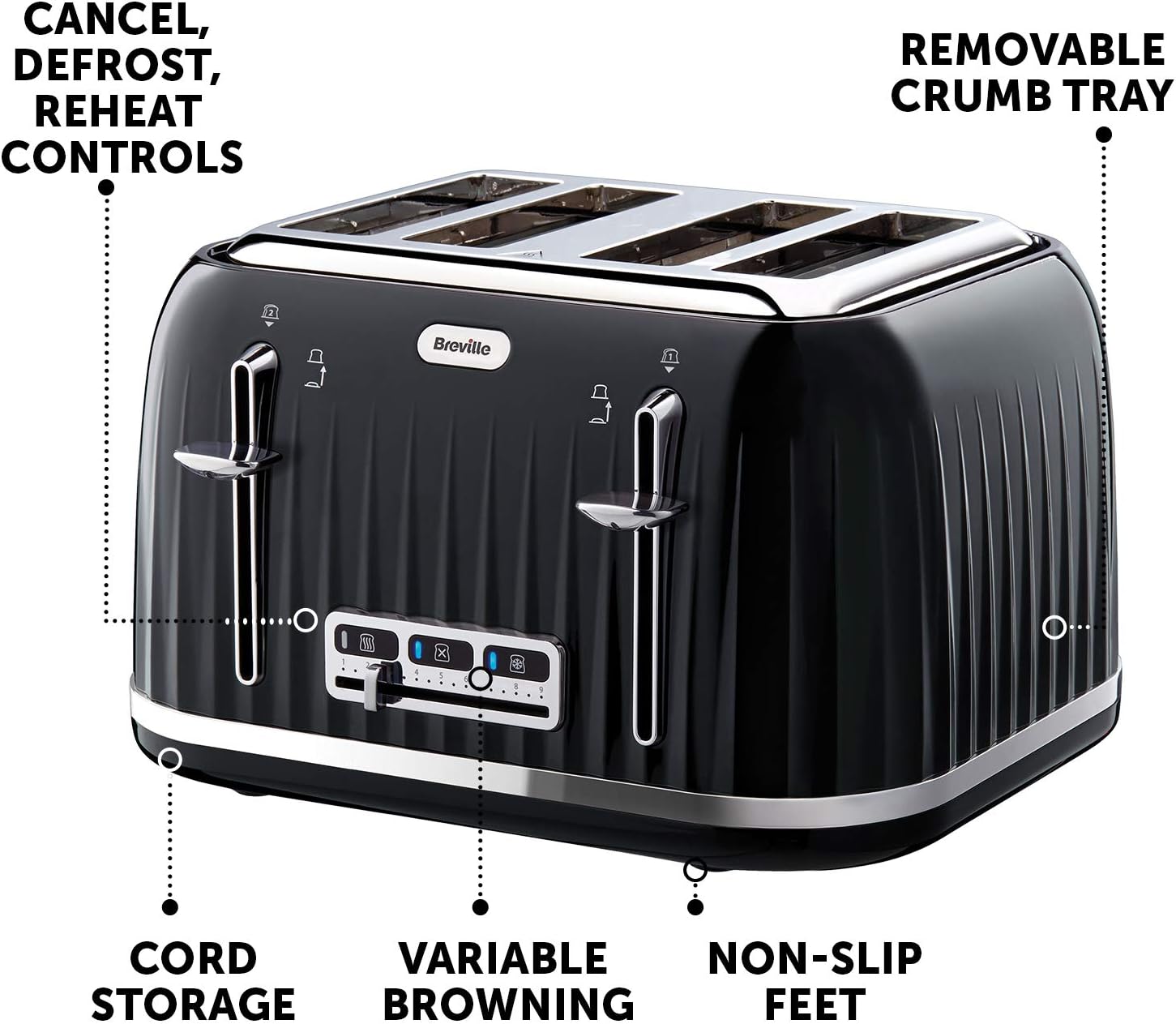
The exact controls depend on the model. Two common U.S. versions are:
- BTA820XL: Smart Toaster with two slots
- BTA840XL: Smart Toaster with four slots
Both may include features such as automatic lowering, countdown indicators, Lift & Look, A Bit More, and Cancel. The reset process is broadly the same, but the manual for your model takes priority.
Find the model number on the toaster’s rating label or product packaging. Use Breville’s official U.S. support pages to locate the correct instruction manual and warranty information. If the toaster is still within its warranty period, document the problem and contact Breville before attempting any repair.
A product manual is the best source for model-specific details such as cleaning limits, electrical ratings, and service instructions.
Frequently asked questions
Does a Breville Smart Toaster have a reset button?
Usually, no. The practical reset is to press Cancel, unplug the toaster, wait at least 30 seconds, and reconnect it to a working wall outlet.
How long should I unplug my Breville toaster?
Wait at least 30 seconds for a basic power reset. If the toaster was hot, wait until it is fully cool before testing it again.
Why is my Breville toaster not turning on after a reset?
The outlet, circuit breaker, cord, plug, or internal electronics may be at fault. Test the outlet with another appliance. If the outlet works and the toaster remains dead, stop using it and contact Breville support.
Can I use a knife to remove toast stuck in the toaster?
No. Unplug the toaster and allow it to cool. Use wooden or plastic tongs only if the bread can be removed without force. Metal tools can cause electric shock, short circuits, or damage to the heating elements.
Why does my toaster keep stopping?
Possible causes include overheating, an unstable power supply, excess crumbs, or an internal fault. Let it cool, empty the crumb tray, and test it once. Repeated stopping requires service rather than repeated resets.
Is unplugging a Breville toaster the same as a factory reset?
For most Smart Toaster models, unplugging is the useful electronic reset. It does not replace a repair, change hardware settings, or correct a damaged component.
Conclusion: the safest next step
To reset a Breville Smart Toaster, press Cancel, unplug it, let it cool, wait at least 30 seconds, clean the crumb tray, and test it directly from a working U.S. wall outlet.
If the toaster still fails, smells of burning, trips a breaker, or has a stuck lever, stop using it. Check the exact model manual and contact Breville support rather than opening the appliance.