How To Reset A Toaster: Easy Step-By-Step Guide
Most household toasters do not have a reset button. To reset one, unplug it, let it cool, remove crumbs or stuck food without using metal, and reconnect it to a working outlet. If the toaster still will not work, check the circuit and the owner’s manual. A toaster with a damaged cord, burning smell, sparks, or repeated faults should be replaced or inspected by a qualified appliance technician.
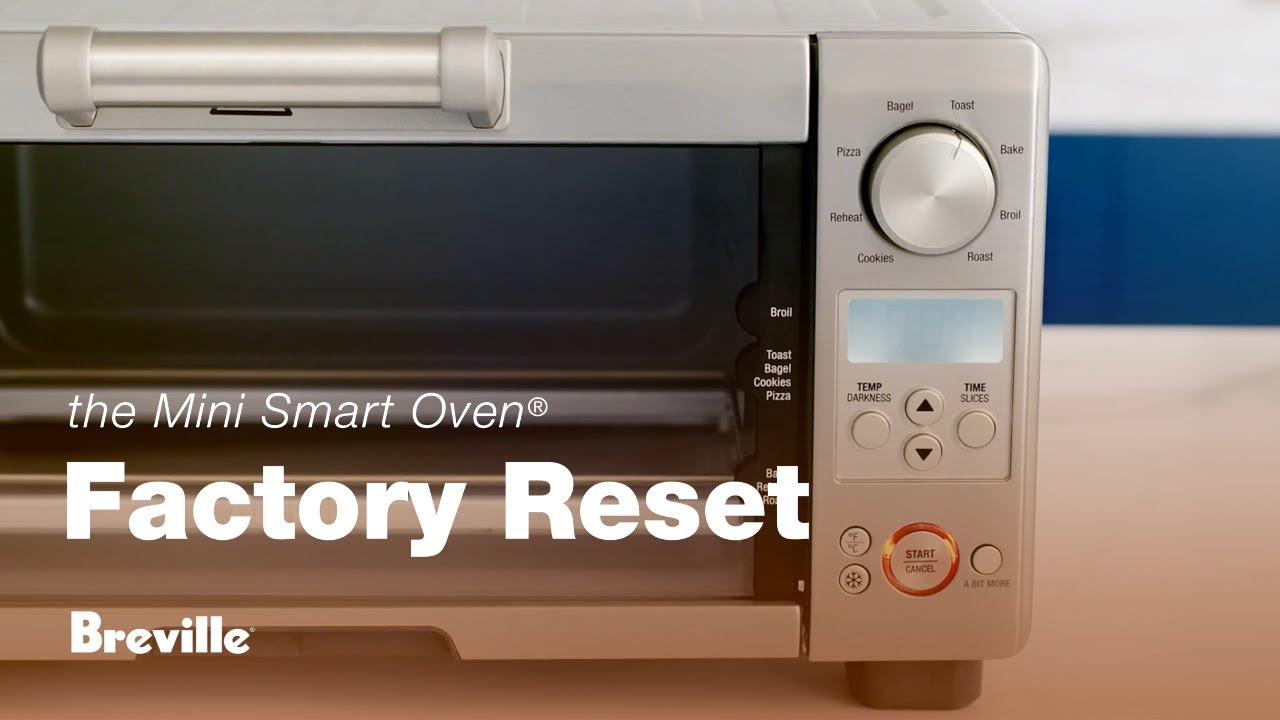
This guide applies to standard countertop toasters used in the United States. A toaster oven may use different controls and may need a separate reset procedure.

What “resetting” a toaster actually means
Resetting a toaster usually means removing power and clearing a temporary problem. It does not normally mean pressing a hidden reset switch.
A typical toaster may stop working because of:
- A temporary control or heating fault
- Crumbs blocking the carriage or latch
- A piece of bread stuck inside
- An overloaded circuit
- A tripped circuit breaker or GFCI outlet
- An overheated internal part
- A failed heating element, switch, cord, or thermal fuse
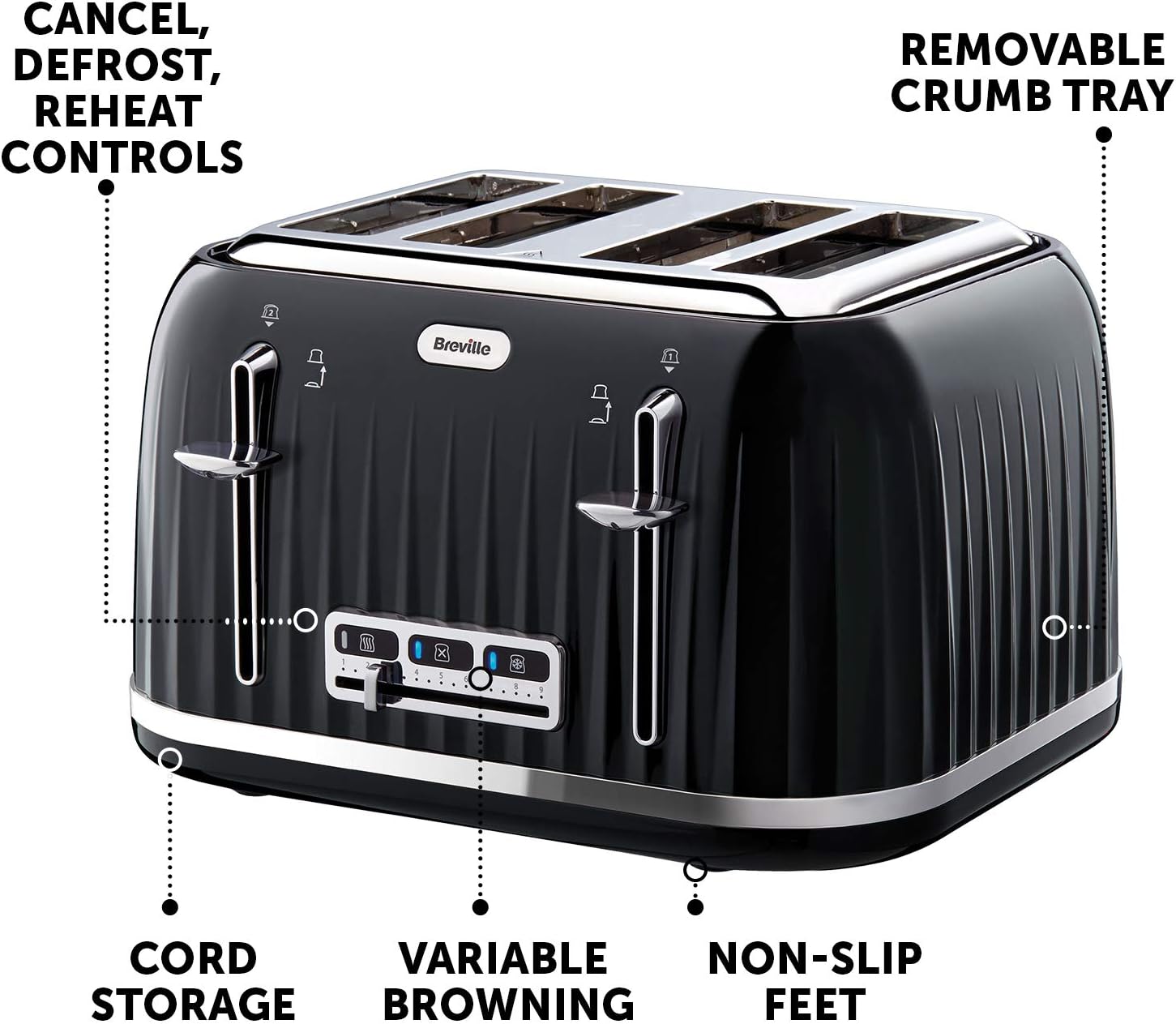
Many toasters have a Cancel button. Cancel stops the current cycle, but it is not the same as a full electrical reset.
Some appliances contain a thermal fuse or thermal cutoff. This part protects the toaster from excessive heat. If it fails, it usually cannot be reset by the user. The appliance may need repair or replacement.
Toaster vs. toaster oven
A standard toaster is designed mainly for bread, bagels, and similar foods. A toaster oven has a door, rack, timer, and temperature controls. Toaster ovens may have a reset procedure listed in the manual, but the steps vary by brand and model.
Use the instructions for the exact appliance. Do not treat a toaster oven like a simple two-slot toaster.
How to reset a toaster step by step
Follow these steps in order. Stop if you see damage, smoke, sparks, or signs of overheating.
1. Cancel the cycle
Press the Cancel button if the toaster has one. If the carriage will not rise, do not force it.
If the toaster is smoking, sparking, or making an unusual sound, move to the next step without touching the food or internal parts.
2. Unplug the toaster
Pull the plug from the wall outlet. Grip the plug itself, not the cord.
Do not unplug the toaster with wet hands. If the plug or cord feels hot, looks melted, or shows dark marks, avoid further use.
Leave the toaster unplugged until it is fully cool. A short wait may be enough for a minor control issue, but a longer cooling period is safer after heavy use or overheating.
3. Place the toaster on a clear, dry surface
Move the unplugged toaster away from curtains, paper, plastic, and other items that can burn.
Make sure the toaster is stable. Do not place it in water or near a sink.
4. Empty the crumb tray
Remove the crumb tray if the toaster has one. Empty it into a trash can and wipe it with a dry cloth.
Do not wash the tray while it is inside the toaster. If you clean the tray with water, let it dry fully before putting it back.
5. Check for stuck food
look into the slots with a flashlight. If you see bread or another item, let the toaster cool completely before trying to remove it.
Use wooden or plastic tools only if the manufacturer allows them. Never use a knife, fork, screwdriver, or other metal object. The heating elements and internal electrical parts may still present a shock or short-circuit risk.
Do not shake the toaster aggressively. Shaking can damage the controls or move crumbs deeper into the appliance.
6. Inspect the outside
Check the following parts:
- Power cord
- Plug
- Housing
- Lever
- Cancel button
- Browning control
- Crumb tray
Look for frayed insulation, cracks, melted plastic, scorch marks, or a loose plug. These are signs to stop using the toaster.
7. Test the outlet
Plug a small appliance that you know works into the same outlet. If it also fails, the issue may be the outlet, circuit breaker, or GFCI protection.
In a US kitchen, a GFCI outlet may have Reset and Test buttons. If the outlet has tripped, press Reset only after removing the toaster and confirming that the area is dry.
If the circuit breaker has tripped, turn it fully to the Off position and then back to On. If it trips again, unplug appliances on that circuit and contact a qualified electrician.
8. Reconnect the toaster
After the toaster is cool, dry, and free of loose food, plug it directly into a working wall outlet.
Avoid testing it with an extension cord or power strip unless the manufacturer specifically allows that setup. High-heat appliances can place a heavy load on those devices.
Run one short cycle while staying nearby. If the toaster operates normally, let the cycle finish and inspect it again for smoke, odor, or unusual heat.
What to do when the toaster still does not work
If resetting does not help, match the symptom to the likely cause. Do not open the toaster unless you are trained and the manufacturer permits service.
| Symptom | Possible cause | Safe next step |
|---|---|---|
| Lever will not stay down | No power, jammed carriage, or failed latch | Test the outlet and inspect for crumbs after unplugging |
| Bread will not rise | Jammed carriage, broken spring, or internal failure | Stop using it if the carriage remains stuck |
| Heating elements do not glow | Faulty element, switch, cord, or thermal fuse | Check the manual; repair or replace the toaster |
| Toaster works only sometimes | Loose connection, worn control, or outlet problem | Test another known-good outlet; discontinue use if it repeats |
| Toaster trips the breaker | Short circuit, damaged cord, or circuit overload | Unplug it and do not keep resetting the breaker |
| Smoke or burning smell | Food debris, overheating, or electrical fault | Unplug it if safe and stop using it |
| Bread burns on one side | Uneven heating or a dirty interior | Clean the crumb tray; replace the toaster if the fault remains |
| Cancel button does not work | Failed control or jammed mechanism | Unplug the appliance and arrange service or replacement |
A toaster that trips a breaker more than once should not be repeatedly tested. The breaker may be detecting a real electrical fault.
If the toaster has a serviceable fuse, use only the exact type and rating listed by the manufacturer. Do not bypass a fuse or install a higher-rated fuse.
When should you replace a toaster?
Replace a toaster when it has clear electrical damage, repeated overheating, or a fault that returns after basic checks.
Replacement is usually the safer choice when:
- The cord or plug is damaged
- The housing is cracked or melted
- The toaster produces sparks
- The toaster smells like burning plastic or wiring
- The breaker trips when the toaster runs
- The lever or carriage remains stuck
- The heating elements stay on after the cycle ends
- The toaster has been exposed to water
- A repair would cost close to the price of a new appliance
Do not continue using a toaster simply because it works after being unplugged. A temporary reset may restore power without fixing the underlying fault.
For a toaster under warranty, contact the manufacturer before opening it. Keep the model number and purchase information available. The model label may be on the bottom or rear of the appliance.

How to prevent toaster problems
Regular care can reduce crumbs, jams, and overheating.
- Empty the crumb tray often.
- Keep the toaster on a dry, heat-resistant surface.
- Leave space around the appliance for heat to escape.
- Use the toaster only for foods approved by the manual.
- Do not insert oversized bread or wrapped food.
- Do not cover the toaster while it is plugged in.
- Unplug it when it is not in use if the manual recommends doing so.
- Keep water away from the toaster.
- Do not pull out stuck food while the toaster is connected to power.
- Never place metal objects into the slots.
Bread that is too large can become lodged and may block the carriage. Food with loose toppings, fillings, or coatings can also create smoke and residue. Follow the food-use limits in the owner’s manual.

Can you reset a toaster after it overheats?
You can unplug and cool an overheated toaster, but cooling does not guarantee that it is safe to use again.
After the toaster cools, inspect it for melted plastic, scorch marks, a burning smell, or a damaged cord. If you find any of these signs, replace the toaster or have it assessed by a qualified technician.
If the appliance has an internal thermal fuse, overheating may have permanently opened that fuse. This is a protective failure, not a normal user reset.
Is it safe to turn the toaster upside down?
Turning an unplugged, cool toaster upside down may help loosen crumbs, but it is not a complete cleaning method.
Remove the crumb tray first if the toaster has one. Do not shake it hard, hit it, or use compressed air unless the manufacturer specifically permits that method. These actions can damage delicate parts or push debris farther inside.
What if a piece of bread is stuck in the toaster?
Unplug the toaster and wait until it is completely cool. Remove the bread only if you can do so without touching heating elements or using metal tools.
If the bread does not come out easily, stop. A damaged toaster is safer to replace than to force open.
Why does my toaster trip the breaker?
A toaster may trip a breaker because of a short circuit, damaged wiring, an internal fault, or too many high-power appliances on the same circuit.
Unplug the toaster and reset the breaker only once after the circuit is safe. If the breaker trips again when the toaster is used, stop using the toaster. If other appliances also cause the problem, have the circuit checked by a qualified electrician.
Does a toaster have a reset button?
Most standard toasters do not have a dedicated reset button. The Cancel button stops a toast cycle, while the outlet’s Reset button belongs to the GFCI electrical receptacle, not the toaster.
Some models may include model-specific controls or protection systems. Check the owner’s manual for the exact model rather than guessing.
Final answer: the safest way to reset a toaster
To reset a toaster, cancel the cycle, unplug it, let it cool, empty the crumb tray, remove visible food without metal tools, and test the wall outlet. Reconnect the toaster only if the cord, plug, and body are dry and undamaged.
If it still fails—or if it sparks, smells hot, trips the breaker, or shows melted parts—stop using it. The next safe action is to check the manufacturer’s manual and warranty, then choose professional service or replacement.