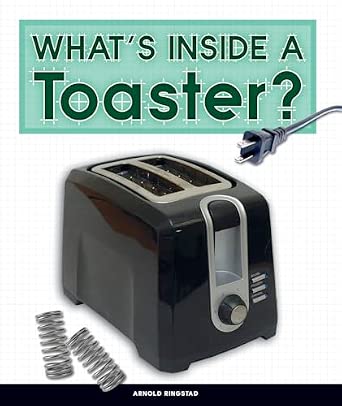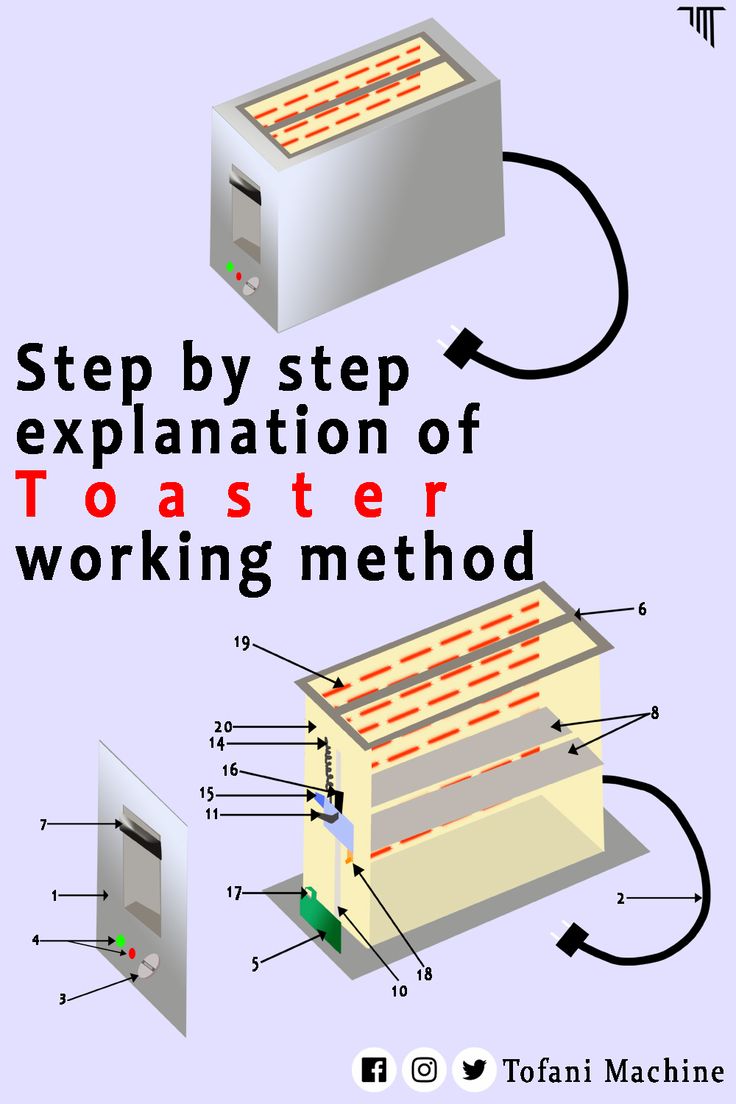

How To Turn Off The Buzzer On A Toaster: Quick Guide
In the United States, the safest way to turn off a toaster buzzer is to use the appliance’s own sound setting, if one exists. Many basic pop-up toasters have no user-accessible buzzer control. If the sound comes from an electronic beeper inside the toaster, unplug the toaster and check the manual before considering repair. Do not open the case or cut wires unless a qualified appliance technician handles the work.
A toaster may make a sound when the toast cycle ends, when a button is pressed, or when an error occurs. The right fix depends on the toaster model and the type of sound.

First, identify the sound
The sound may not be a buzzer. Identifying it first can prevent an unsafe repair.
| Sound | Likely source | Can you usually disable it? |
|---|---|---|
| A sharp electronic beep | Internal piezo buzzer or speaker | Sometimes, through a setting or service repair |
| A mechanical click | Timer, switch, or relay | Usually no user setting |
| A loud pop | Toast carriage and spring mechanism | No; this is part of normal operation |
| A fan or motor sound | Cooling system in some digital models | Usually no |
| Repeated beeps | Error alert or stuck control | Check the manual before disabling anything |
A piezo buzzer is a small electronic part that creates sound when a circuit sends it a signal. It may be mounted on a circuit board or attached inside the control panel. A mechanical toaster may not have one at all.
If the sound is a spring-loaded “pop,” do not try to silence it by blocking the toast carriage. The carriage must move freely for the toaster to work safely.
Check the controls and manual first
Look for a sound, mute, volume, or alert option before opening the toaster. Some digital toasters let you reduce or disable button tones, while others only allow changes to display brightness or browning time.
Follow these steps:
-
Find the model number.
Look on the bottom, back, or side of the toaster. The model may also appear on the original receipt or box. -
Read the control section of the manual.
Search for terms such as “sound,” “beep,” “alert,” “mute,” “volume,” and “end-of-cycle signal.” -
Check the manufacturer’s support page.
Use the exact model number. Similar-looking toasters may use different control boards. -
Try only documented button combinations.
Some appliances use a long press or a settings menu. Do not guess by holding several buttons at once. -
Restore the factory setting if the result is unclear.
A reset may remove a sound change, but it can also erase stored preferences.
A manual is the best source for model-specific instructions. Product listings and general online comments may describe a different revision or a toaster sold in another market.
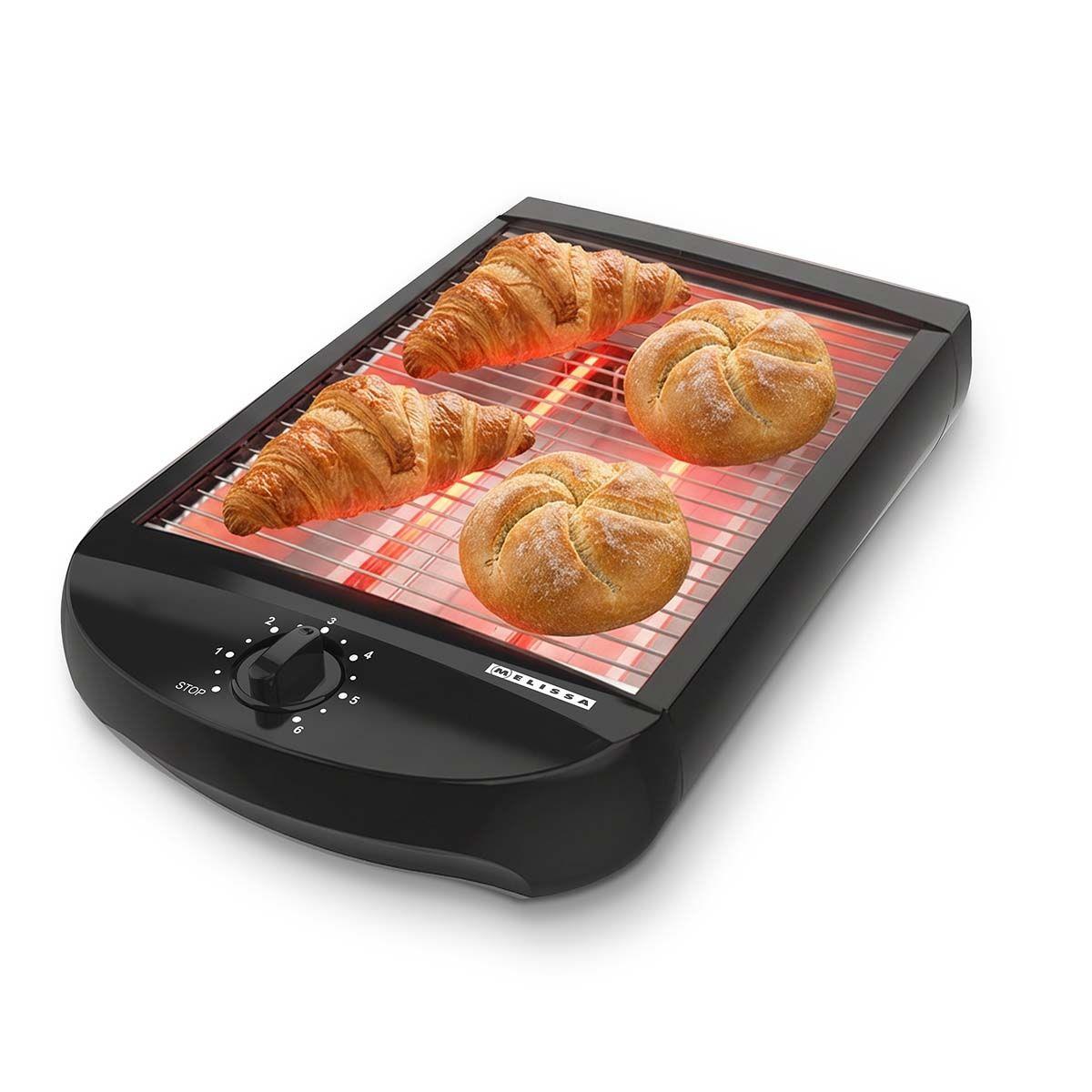
Use the built-in mute setting when available
If your toaster has a documented mute option, it is the preferred solution. It does not change the heating system or require access to live electrical parts.
The exact steps vary, but a typical process may look like this:
- Plug in the toaster.
- Leave the carriage up unless the manual says otherwise.
- Press the settings or menu button.
- Select the sound or alert option.
- Choose “off,” “mute,” or the lowest volume.
- Exit the menu and run a short test with no food inside.
Some models separate button sounds from the toast-finished alert. Turning off one may not turn off the other.
If the toaster still beeps, check whether the sound is an error alert. A repeated beep can indicate a stuck button, an open control sequence, or another fault. Do not silence a warning without finding out what it means.
Unplug the toaster before inspecting it
If there is no documented mute setting, unplug the toaster before doing any inspection. Turning the control to “off” is not enough because the plug may still supply power to internal parts.
Use this safe inspection process:
- Turn the toaster off.
- Remove the plug from the wall outlet.
- Let the toaster cool completely.
- Move it to a clear, dry work surface.
- Check the outside for a reset, sound switch, or removable control panel.
- Stop if the only way to reach the buzzer is to remove the case.
Do not place a hand, tool, knife, or metal object inside the bread slots. Crumbs can also hide near heating elements and controls, so cleaning should follow the manual.
A toaster is a line-powered appliance. In a typical U.S. home, it connects directly to a 120-volt outlet. Internal parts can cause shock, burns, fire, or damage if handled incorrectly.
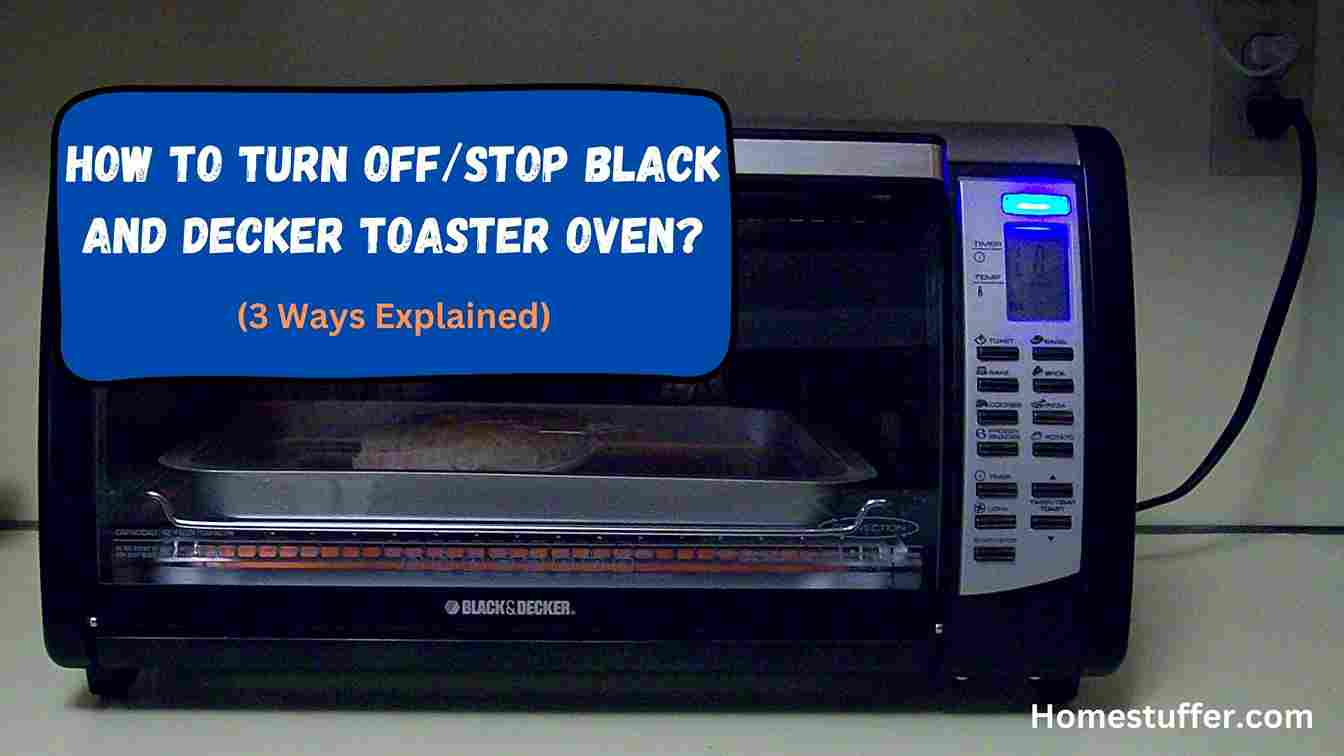
When the buzzer is inside the toaster
Many internal buzzers are not designed for consumer access. They may be soldered to a circuit board, connected to a control module, or integrated into a warning system.
A repair technician may be able to disconnect or remove the buzzer. That work can involve:
- Opening the toaster case
- Identifying the correct sound component
- Avoiding heating elements and wiring
- Protecting insulation and grounding paths
- Preventing loose parts from touching metal
- Testing the toaster after repair
Do not cut a wire at random. The wire may carry power to another control, and a loose wire can create a short circuit or fire risk. Do not cover the buzzer with tape, foam, or cloth. Heat, crumbs, and restricted airflow make improvised sound blocking unsafe.
Disabling the buzzer may also remove an important error warning. It can void the warranty and may leave the toaster unsafe if the repair affects the control board.
For a low-cost toaster, replacement is often more practical than electronic modification. For an expensive, built-in, or specialty toaster, ask the manufacturer or a qualified appliance repair service whether a supported repair exists.
What to do if the toaster beeps continuously
A continuous or repeated beep usually needs diagnosis rather than simple muting.
Try these checks in order:
-
Unplug the toaster for several minutes.
This may clear a temporary control fault. -
Check for a stuck button or control.
A crumb can prevent a button from returning to its normal position. -
Clean the crumb tray.
Follow the manual and make sure the toaster is unplugged and cool. -
Check the manual for error codes.
The pattern or number of beeps may have a specific meaning. -
Look for signs of damage.
Stop using the toaster if you see melted plastic, smoke, scorch marks, exposed wires, or a damaged cord. -
Contact the manufacturer if the sound returns.
Give the model number and describe when the beeping starts.
Do not keep using a toaster that smells hot, trips the circuit breaker, sparks, shocks you, or heats unevenly. Unplug it and replace it or have it inspected.

Can you remove the buzzer yourself?
You can physically remove or disconnect a buzzer on some toaster models, but that does not make it a safe general do-it-yourself procedure. The task requires electrical repair skills and model-specific knowledge.
A qualified technician should be used when:
- The toaster must be opened to reach the buzzer.
- The buzzer is soldered to a circuit board.
- The toaster has a digital display or electronic controls.
- The appliance is under warranty.
- The toaster is built into another appliance.
- The toaster shows any sign of electrical damage.
- You cannot identify the sound component with certainty.
If you decide not to repair it, recycle or dispose of the toaster through a local appliance or electronics program where available. Do not place a damaged appliance back into service just because the buzzer has stopped.
Common mistakes to avoid
Blocking the toast carriage
A carriage that cannot rise may leave the heating cycle active or interfere with the toaster’s safety controls. Never hold it down with a weight or object.
Spraying cleaner inside the toaster
Liquid can reach electrical parts and heating elements. Clean only as the manufacturer directs, and keep the toaster unplugged while cleaning.
Using headphones or external sound-blocking material
Do not wrap the toaster or cover its vents and controls. This can trap heat and increase the risk of damage.
Cutting wires without a wiring diagram
A wire that appears to lead to the buzzer may also connect to another circuit. Cutting it can create a shock or fire hazard.
Assuming every beep is optional
Some sounds warn about a fault. Confirm the meaning in the manual before disabling any alert.

Should you replace the toaster instead?
Replacement may be the better choice when the buzzer cannot be muted through the controls and the repair requires opening the appliance.
Replacement is especially reasonable when:
- The toaster is inexpensive or old.
- The warranty has expired.
- The case, cord, or controls are damaged.
- The toaster has a history of overheating.
- A repair shop charges more than the appliance is worth.
- You need a quiet toaster for a bedroom, office, or shared living space.
When choosing a replacement in the United States, look for a model manual that clearly describes sound controls. Do not rely only on a product title that says “quiet.” Check whether “quiet” refers to the spring action, the buttons, the end-of-cycle alarm, or general operating noise.
A manual with clear sound settings is more useful than an unverified claim that a toaster is silent.
Key takeaways
- Check the manual and settings before opening the toaster.
- Some digital models offer a mute or volume control.
- Many basic toasters have no safe user-accessible buzzer switch.
- Always unplug and cool the toaster before inspection or cleaning.
- Never block the carriage, cover the vents, or cut wires at random.
- Treat repeated beeps as a possible fault until the manual explains them.
- Use a qualified repair technician for internal electronic work.
- Replace the toaster if repair is unsafe, uneconomical, or unsupported.
Frequently asked questions
How do I turn off the beep on a digital toaster?
Open the toaster’s settings menu and look for sound, alert, mute, or volume controls. Use the instructions for the exact model. Some digital toasters let you disable button tones but not the end-of-cycle alert.
Why does my toaster beep after I unplug it?
A brief sound may come from stored electrical energy or a control system shutting down. If the toaster keeps beeping, smells hot, sparks, or shows damage, do not use it. Contact the manufacturer or a repair professional.
Can I put tape over the toaster buzzer?
No. Tape, foam, cloth, and other coverings can trap heat or loosen near electrical parts. They are not a safe way to reduce the sound.
Is a toaster buzzer required for safety?
Not every toaster has a buzzer, so a buzzer is not generally required for the basic heating function. However, a sound may serve as an error or status alert on a particular model. Check the manual before disabling it.
Can I disable the buzzer without voiding the warranty?
Usually, only a manufacturer-supported sound setting avoids that concern. Opening the case or modifying the circuit may void the warranty. Check the warranty terms before arranging an internal repair.
Conclusion
The safest way to turn off a toaster buzzer is to use a documented mute or volume setting. If the toaster has no such setting, do not open the case or cut wires as a quick fix. Unplug the appliance, identify whether the sound is normal or an error alert, and contact the manufacturer or a qualified repair technician when internal work is necessary.
If the toaster is old, damaged, or inexpensive, replacing it with a model that lists adjustable sound controls may be the safest and simplest option.