How To Open A Breville Toaster: Safe Repair Guide
To open a Breville toaster in the United States, first unplug it, let it cool fully, and identify the exact model. Most Breville toasters can be opened from the bottom by removing screws near the base, crumb tray, feet, or lower trim. However, the case design differs between models, and some parts may use hidden clips or tamper-resistant screws.
Opening the toaster can expose sharp metal edges and parts connected to 120-volt household power. If the toaster is under warranty, or if you are not trained to work on small appliances, use Breville’s U.S. support service or a qualified appliance repair technician instead.
Before You Open a Breville Toaster
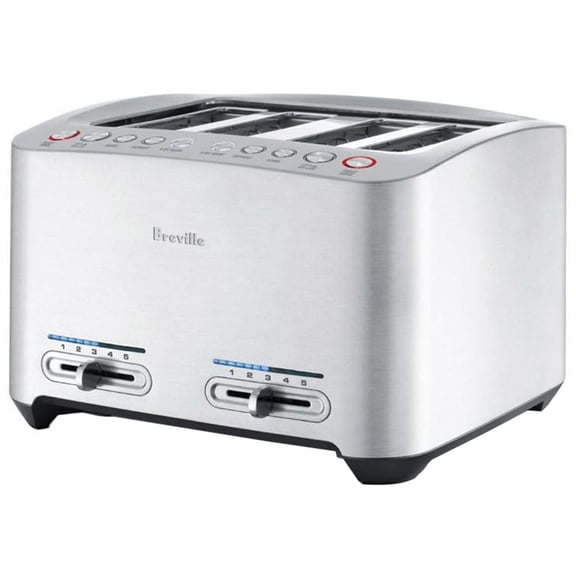
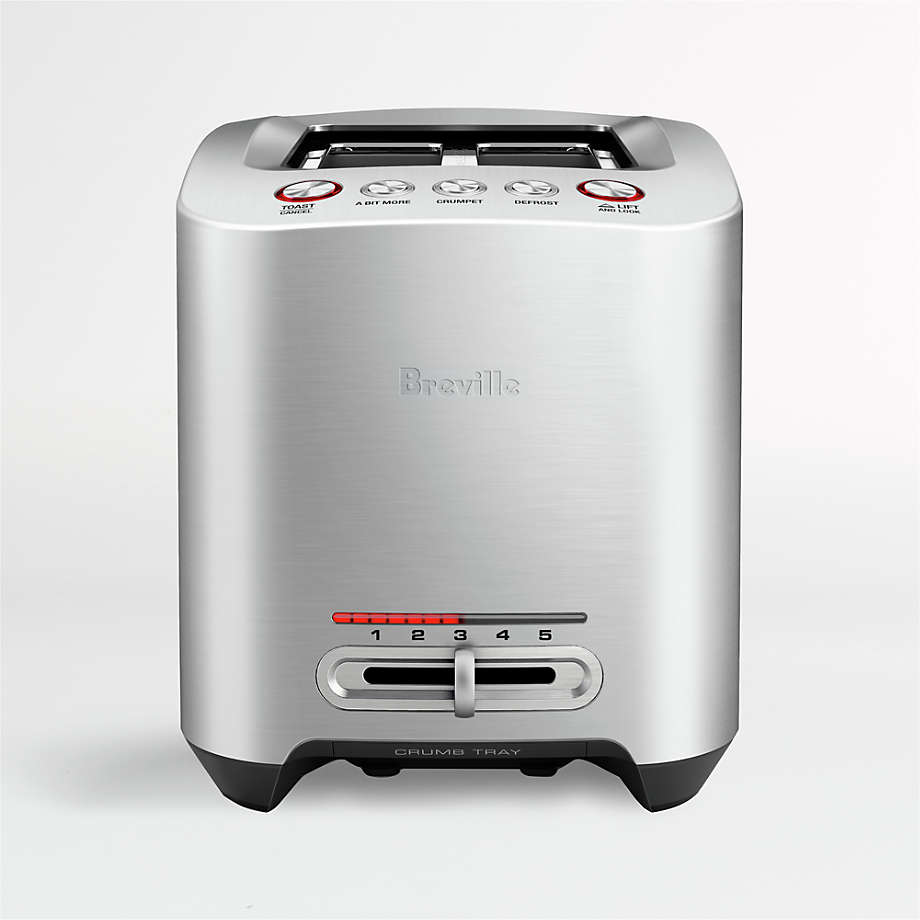
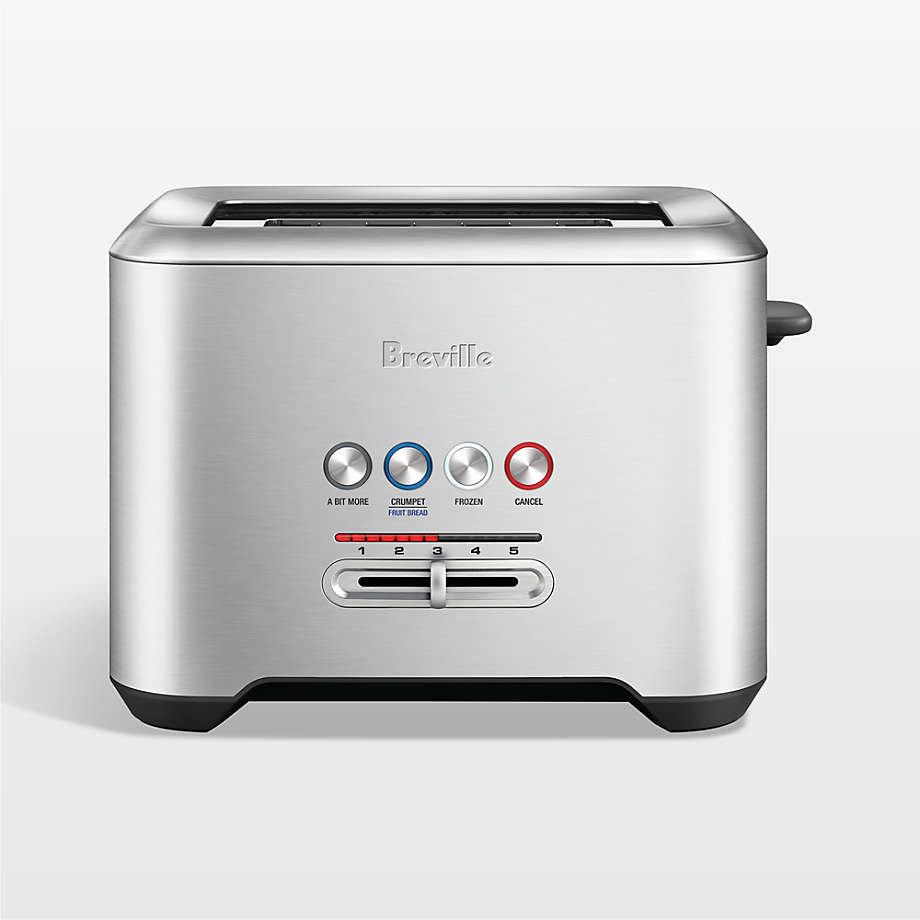
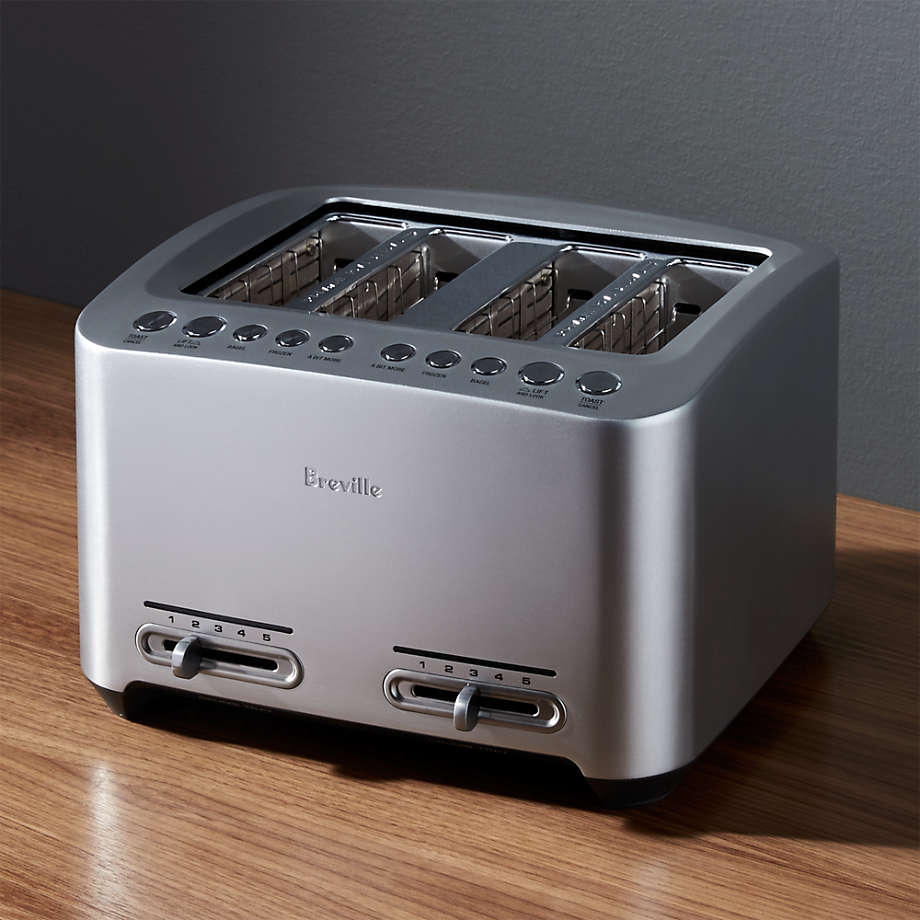
Confirm the model and prepare a safe work area before removing any screw. The model number is usually printed on a label on the underside, rear, or bottom panel of the toaster. Common U.S. Breville toaster lines include the Bit More, Die-Cast, Lift & Look, Smart Toaster, and Toast Select Luxe.
What you need
Prepare these items:
- A clean, dry work surface
- A flashlight
- A small Phillips screwdriver
- A flat-head screwdriver or plastic pry tool
- A Torx or security-bit set, if needed
- A small container for screws
- A phone or camera for photos
- Work gloves for protection from sharp edges
Use a plastic pry tool where possible. A metal screwdriver can scratch the finish or bend the case.
Safety rules
Follow these rules before opening the toaster:
- Unplug the toaster from the wall outlet.
- Wait until the toaster is completely cool.
- Remove all bread, crumbs, and loose objects.
- Do not work near water or a kitchen sink.
- Never test the toaster while the case is open.
- Do not touch internal wiring, heating elements, or circuit boards.
- Stop if you see burned wires, melted plastic, or heavy corrosion.
Unplugging removes the normal power source, but it does not make an opened appliance safe to handle without care. The internal parts can have sharp edges, and incorrect reassembly can create a shock or fire risk.
How to Open a Breville Toaster Step by Step
The exact screw locations vary by model, but the following process works as a general inspection method for many Breville countertop toasters.
1. Unplug and cool the toaster
Remove the plug from the wall outlet, not just from a power strip. Move the toaster to a clear workbench or table and let it cool completely.
Do not begin if the toaster was recently used. Heating elements and metal panels can remain hot after the outside feels cool.
2. Remove the crumb tray
Pull out the crumb tray and set it aside. Inspect the area behind the tray for screws or tabs.
Some toaster designs use the crumb-tray opening as part of the lower case assembly. Other models have no accessible fasteners in this area. Do not force the tray if it feels stuck; lift it slightly or check the model manual for the correct removal method.
3. Inspect the bottom and side panels
Turn the toaster carefully so the bottom faces upward. Protect the finish with a folded towel.
Look for:
- Phillips screws
- Torx screws
- Security screws with a pin in the center
- Screws hidden under rubber feet
- Screws covered by labels or small plastic caps
- Metal tabs along the lower edge
- A separate bottom plate
Take a photo before removing anything. This helps you remember the position of brackets, feet, and wires.
4. Remove visible screws
Remove only the screws that appear to hold the outer shell or bottom plate. Keep screws grouped by location because Breville may use different lengths.
Do not remove screws that hold the heating-element frame unless you are following a model-specific service procedure. Those screws may affect alignment and insulation.
If a screw will not turn, use the correct bit and firm downward pressure. Do not round the head by using the wrong size.
5. Check for hidden fasteners
If the case does not separate after removing visible screws, inspect:
- The rubber feet
- The underside label
- The rear corners
- The crumb-tray channel
- The plastic trim around the lever
- The seam between the bottom and side shell
Some models may use clips in addition to screws. Hidden clips can break if you twist the case too far.
6. Separate the case slowly
Hold the toaster over the work surface and gently lift the bottom panel or outer shell. Work around the seam with a plastic pry tool.
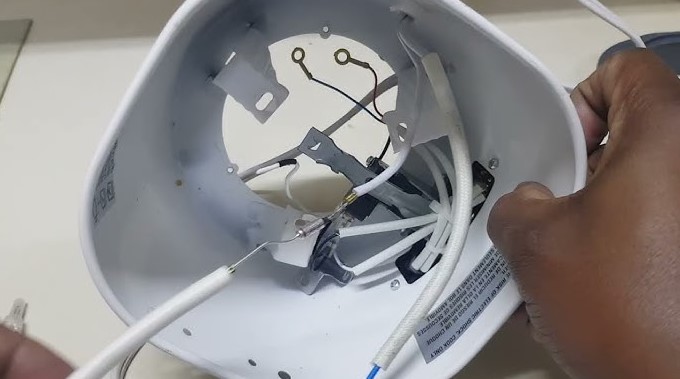
Open the case only a small amount at first. Watch for wires connected to the control panel, lever mechanism, indicator lights, or electronic board.
Do not pull the two halves apart. If they resist, stop and look for another screw, tab, or bracket.
7. Photograph the internal layout
Before touching any internal part, take clear photos from several angles. Photograph:
- Wire routing
- Connector locations
- Ground wires
- Spring positions
- Brackets
- Insulating sheets
- The crumb-tray mechanism
- The position of the control board
These photos are useful during reassembly. A wire placed too close to a heating element can melt or create a fire hazard.
8. Stop before live testing
Do not plug in an opened Breville toaster to locate a fault. Exposed heating elements and electrical connections can cause serious injury.
If you need electrical measurements, component replacement, or live fault testing, use a qualified appliance technician with the correct safety equipment.
What to Check Once the Toaster Is Open
Opening the case is useful for inspection, but it does not automatically make the toaster repairable. Start with simple problems that do not require contact with electrical parts.
Excess crumbs
A large amount of crumbs can interfere with the carriage, crumb tray, or sensor mechanism. Remove loose crumbs with a soft brush or by turning the unplugged toaster upside down over a trash can.
Do not shake the toaster hard. Strong shaking can bend the heating-element supports or damage the carriage.
Stuck carriage or lever
A lever that will not stay down may have:
- Crumbs blocking the latch
- A bent mechanical part
- A damaged magnet or control mechanism
- A failed electronic control component
Clean loose debris first. Do not bend the latch or force the lever. A damaged latch can prevent the toaster from releasing bread correctly.
Uneven heating
Uneven browning can result from:
- Crumbs blocking a heating area
- A damaged heating element
- A loose internal connection
- A failed control board
- Normal differences in bread size or moisture
Do not scrape the heating elements with a knife or metal tool. The wires are fragile and can break.
Burning smell or visible damage
A strong burning odor, blackened wire, melted insulation, or scorched circuit board is a reason to stop using the toaster. Unplug it and arrange professional inspection or replacement.
Do not cover damaged wires with household tape. Electrical heat and movement can make that repair unsafe.
How to Reassemble a Breville Toaster
Reassemble the toaster only after you have identified the cause of the problem and confirmed that no part is damaged.
- Place every wire and bracket back in its original position.
- Keep wires away from heating elements and moving parts.
- Replace insulating barriers and shields.
- Align the case panels before tightening screws.
- Install screws in their original locations.
- Tighten screws firmly but do not strip the threads.
- Check that the lever and carriage move freely.
- Replace the crumb tray.
- Inspect the power cord and plug before use.
The case should close evenly without a gap. Do not use the toaster if the shell is loose, warped, or missing a screw that appears to secure an electrical or structural part.
After reassembly, perform a visual check with the toaster still unplugged. Confirm that no wire is pinched and that no screw or metal object remains inside.
If the toaster passes the visual check but still shows a fault, do not keep cycling it on and off. Repeated testing can worsen an electrical problem.
When You Should Not Open the Toaster
Do not open the appliance yourself when the toaster is under warranty, has a damaged power cord, or shows signs of electrical overheating. Breville’s warranty terms can vary by product and region, so check the warranty information for the exact U.S. model before removing the case.
Professional service is the safer choice when:
- The toaster trips a circuit breaker
- The plug or cord becomes hot
- You smell burning plastic
- The heating elements glow unevenly or spark
- The toaster has been exposed to water
- The control panel behaves unpredictably
- The case cannot be separated without force
- The toaster contains security screws you cannot remove safely
- You cannot identify where a wire or bracket belongs
A toaster is usually inexpensive compared with the cost of an electrical injury or kitchen fire. If the fault involves the power cord, heating elements, control board, or thermal protection parts, replacement may be more practical than repair.

Common Mistakes When Opening a Breville Toaster
Avoid these common errors:
Forcing the outer shell
A hidden screw or clip may still hold the case. Forcing the shell can crack the housing or expose sharp metal.
Mixing screw locations
A screw that is too long can damage an internal wire or board. Keep screws sorted by location and length.
Testing with the case removed
This is one of the most dangerous mistakes. A toaster contains exposed mains-voltage circuits and very hot heating elements.
Scraping the heating elements
Metal tools can break the element wire or damage its protective supports. Use a soft brush for loose crumbs.
Ignoring the exact model
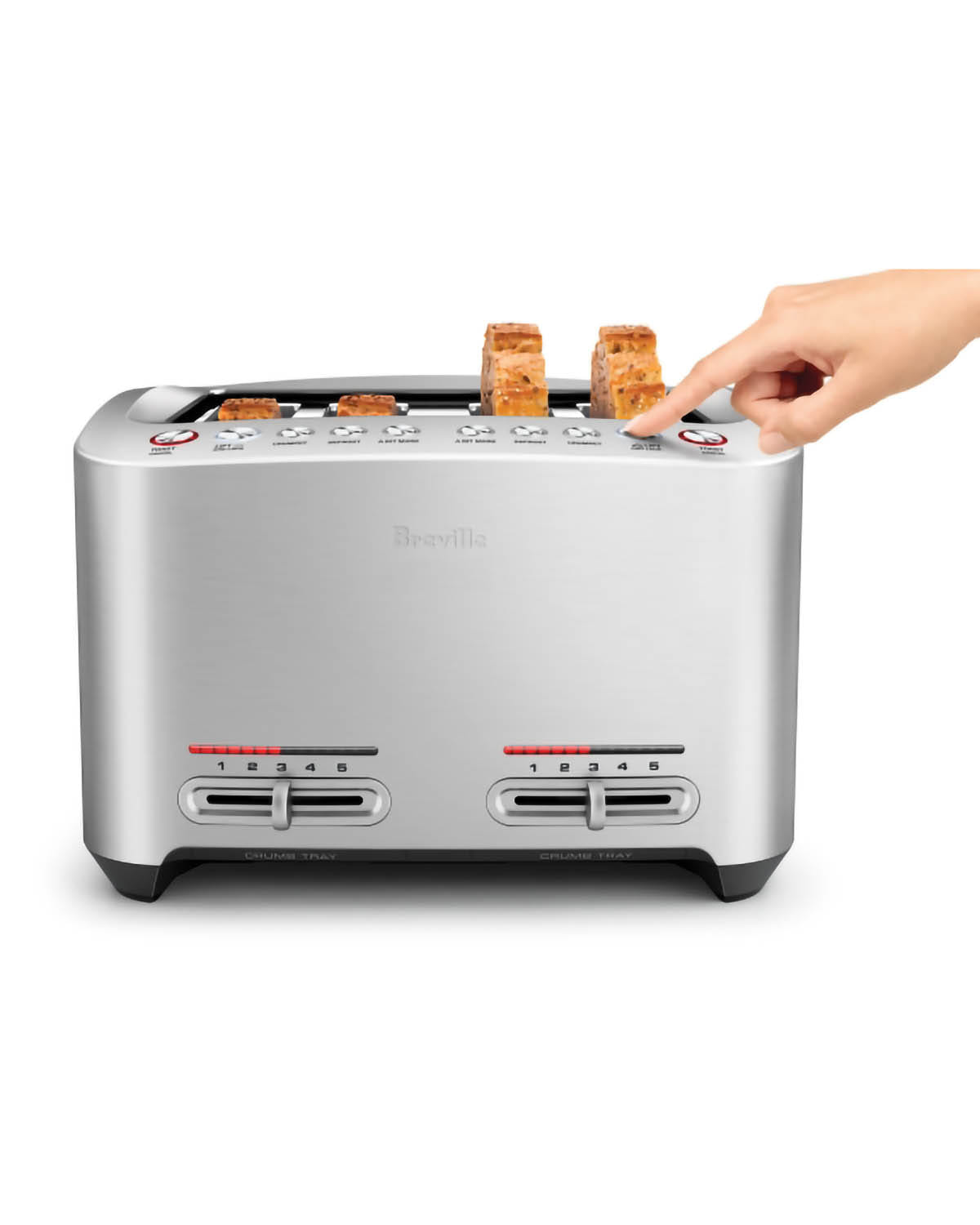
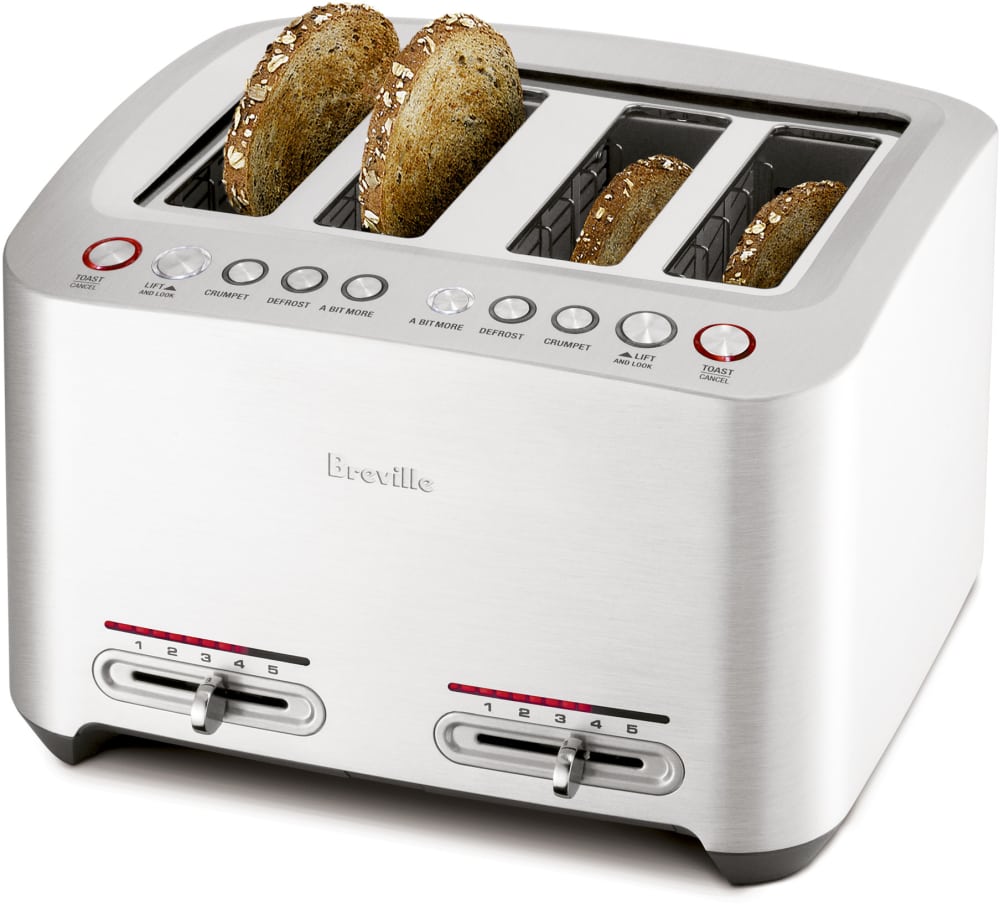
Breville toaster designs are not identical. A method that works for a two-slice Die-Cast model may not apply to a four-slice Smart Toaster or Toast Select Luxe model.
Treating a warranty repair as a DIY job
Removing the case may affect warranty service. Check the U.S. manual and warranty terms first.

Breville Toaster Opening Guide by Problem
Use this table to decide whether opening the case is likely to help.
| Problem | Try first | Is opening likely to help? |
|---|---|---|
| Crumb tray will not slide | Unplug, cool, and clear loose crumbs | Sometimes |
| Lever will not stay down | Remove crumbs and check for obstructions | Sometimes |
| One side does not heat | Stop use and seek service | Possibly, but electrical testing is needed |
| Toaster does not power on | Check outlet and cord condition | Usually requires service |
| Burning smell | Unplug immediately | Do not continue DIY testing |
| Bread is stuck | Unplug and allow to cool | Usually no case opening needed |
| Uneven browning | Try a lower setting and clean crumbs | Usually not at first |
| Case rattles | Stop use and inspect only when unplugged | Sometimes |
The safest repair path starts with external cleaning and inspection. Open the case only when you have a clear reason and the correct model information.
Frequently Asked Questions
Can I open a Breville toaster without removing the crumb tray?
Sometimes, but removing the crumb tray gives you a better view of the lower case and prevents crumbs from falling during disassembly. It may also reveal fasteners that are otherwise difficult to see.
Where are the screws on a Breville toaster?
Screws are commonly found on the bottom panel, near the feet, or along the lower case seam. Some may be hidden beneath rubber feet, labels, trim, or covers. The exact locations depend on the model.
Why will my Breville toaster not come apart after I remove the screws?
A hidden screw, internal tab, or plastic clip may still be holding the case. Do not pry hard. Check the underside, rear edge, crumb-tray area, and feet for additional fasteners.
Can I clean the inside of a Breville toaster with water?
No. Do not pour or spray water into the toaster. Use a dry, soft brush to remove loose crumbs while the toaster is unplugged and cool.
Is it worth repairing a Breville toaster?
It may be worth cleaning or correcting a simple mechanical obstruction. A fault involving heating elements, wiring, thermal protection, or the control board often requires professional service. Compare the repair cost with the price of a safe replacement.
Where can I find the correct Breville manual?
Use the model number from the toaster’s rating label and search Breville’s official U.S. support or product-support page. Do not rely on a manual for a similar-looking model.
Conclusion
To open a Breville toaster, unplug and cool it first, remove the crumb tray, inspect the underside for fasteners, and separate the case slowly with a plastic tool. Model differences matter, so never force the housing or assume that every Breville toaster uses the same screw pattern.
If you find damaged wiring, scorch marks, a burning smell, or a power fault, stop and use Breville U.S. support or a qualified appliance technician. A clean, fully closed case and a careful visual inspection are the minimum requirements before the toaster is used again.